

For businesses that sell gift cards
Gift cards that don't end up in a drawer
Create a digital gift card for Apple Wallet or Google Wallet. It shows the balance you set, carries a QR code or barcode, and can be sent by email, text or WhatsApp. No plastic, no shipping.
New accounts get 20 pass credits free.
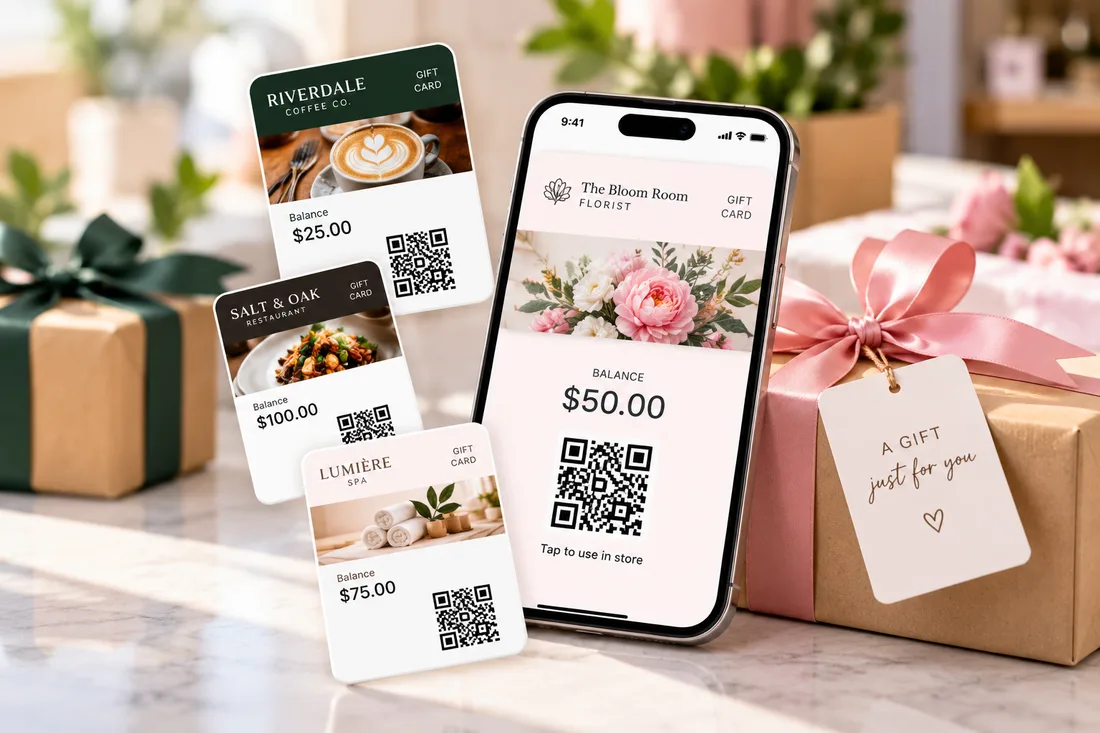
Why plastic gift cards leave value on the table
They cost money and time
Plastic cards need printing, stocking and shipping. A digital gift card is ready the moment you create it.
They get lost or forgotten
A card in a drawer is a card that never gets used. A wallet pass is easy to find, and you can send a reminder.
Nobody knows the balance
Put the balance on the card, and update it whenever it changes, so the person holding it can always see it.
How it works
Live in three steps
Design the gift card
Start from the gift card template, add your logo, colors and a hero image, and choose the fields to show, such as balance and valid-till date.
Send it
Create a card for each purchase, and have an automation email, text or WhatsApp it to the recipient. You can also share a link or QR code.
Keep the balance current
When the balance changes, update the pass and the copy on the recipient's phone updates.
Features
A gift card built for the wallet
A balance on the card
Add a field like @balance and each card shows its own amount, all from one design.
A QR code or barcode
Every card carries a QR code or barcode that a reader supporting that code type can scan at checkout.
Delivery by email, text or WhatsApp
An automation action sends each recipient their card to the address or number you give it.
Cards after a purchase
Build an automation that creates a card when an order comes in from tools like WooCommerce, Stripe Checkout or Square, using a small relay such as Zapier or Make.
Update the balance any time
Edit the pass, upload a CSV, or use the API or an automation, and the saved card updates.
Expiry and reminders
Set an expiry so the card shows as expired in the wallet, and send a notification before it runs out.
Passes that go with gift cards
Pair a gift card with a loyalty pass so the people who receive one keep coming back.
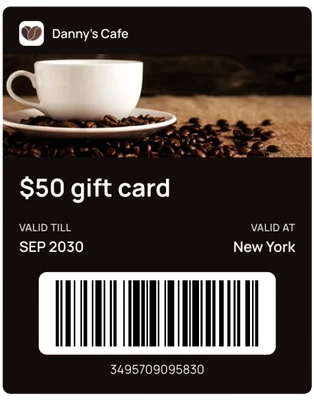
Gift card
A digital gift card with a balance and barcode.
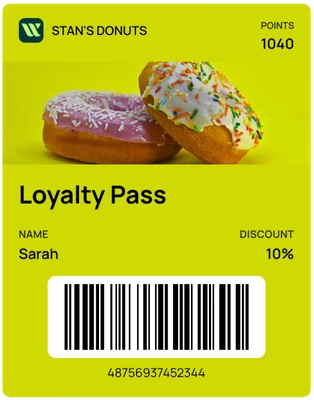
Points card
Reward returning customers with points and a discount.
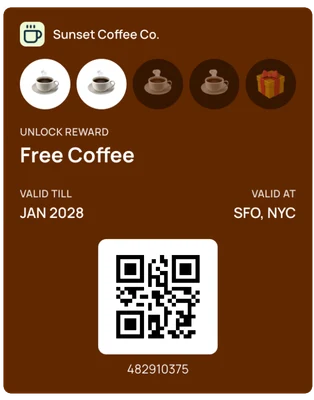
Stamp card
A stamp card that fills up with every visit.
FAQ
Questions about digital gift cards
Do my customers need to download an app?+
No. The pass is saved straight into Apple Wallet on iPhone or Google Wallet on Android, using the wallet app that's already on their phone.
Does WalletPassBuilder process gift card payments or redemptions?+
No. The balance is a field on the pass that you set and update. You take payment and redeem at your own register or checkout, then update the balance.
Can a customer buy a gift card for someone else?+
Yes. Create a card for each purchase and have an automation email, text or WhatsApp it to the recipient.
How do I update a balance?+
Edit the pass, upload a CSV, or use the API or an automation. The pass saved on the recipient's phone updates.
Can I create a gift card automatically after someone pays?+
Yes. Automations can react to events from tools like WooCommerce, Stripe Checkout and Square, through a small relay such as Zapier or Make, and then create the pass.
Can gift cards expire?+
Yes. Set a scheduled expiry and the pass shows as expired in the wallet. You can also notify the holder before it expires. Check the rules that apply to gift card expiry where you operate.
How much does it cost?+
One plan with every feature: $49 a month or $490 a year, with 1,000 pass credits included. New accounts get 20 pass credits free to try it out.
More use cases
See how other businesses use wallet passes
- Restaurants and cafes
- Gyms and studios
- Events
- Retail and boutiques
- Associations and clubs
- Creators and professionals
- Salons and spas
- Schools and nonprofits
Designing your first pass? Read the Apple Wallet and Google Wallet best practices guide.
Your next card doesn’t need to be plastic.
Create a wallet pass your customers can save in seconds.