

Scanner app
Scan wallet passes at the door and the counter
Your staff point their phone at a customer's pass in Apple Wallet or Google Wallet, and the app does the right thing for that pass: check in a ticket, redeem a coupon, add a loyalty stamp or verify a membership.
Free with every WalletPassBuilder account. Create your first pass
What a scan does
One app for every kind of pass
Staff never pick a mode. Each pass tells the app what a scan should do.
Event tickets
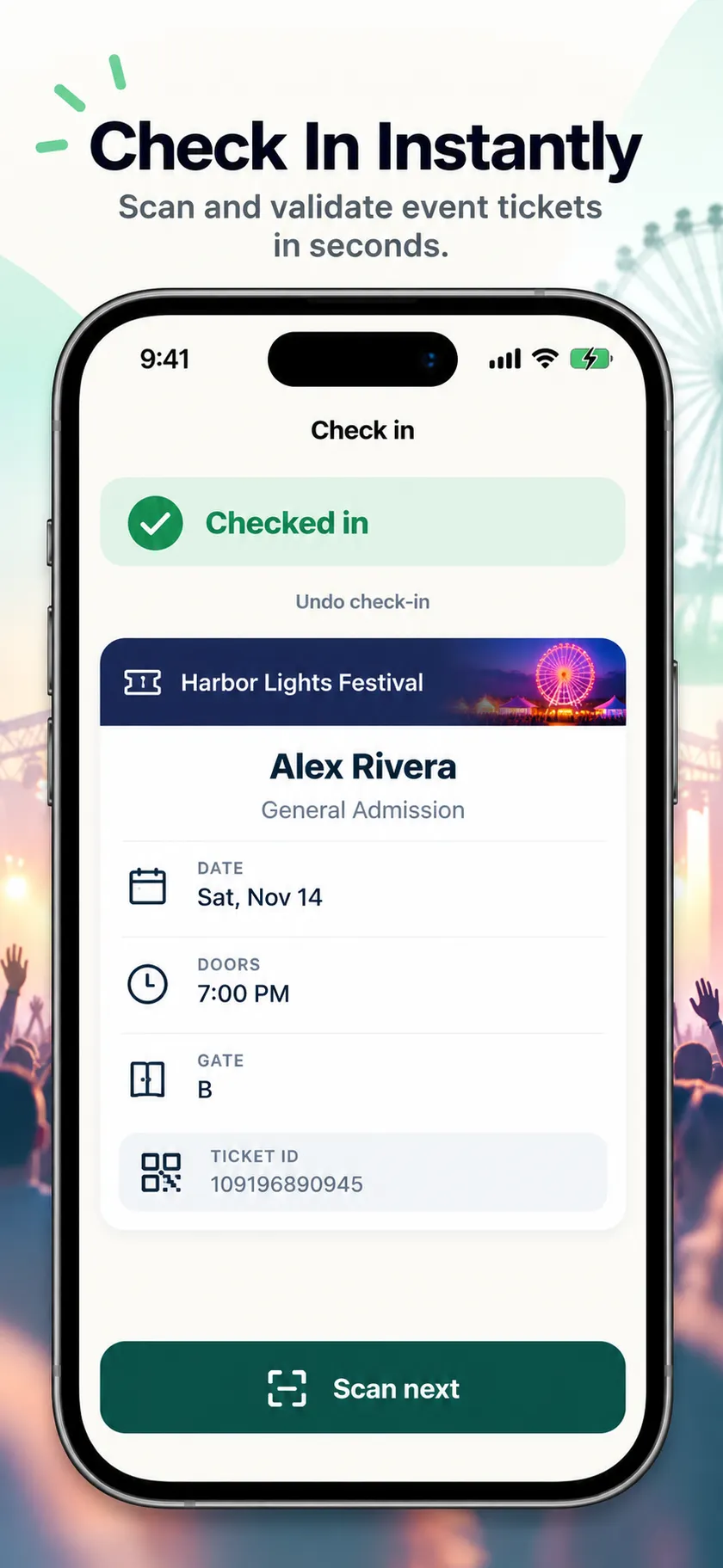
Check people in at the door
The first scan admits the guest and records it. Scan the same ticket again and the app says when, and by whom, they were already let in. Checked someone in by mistake? Undo it.
Loyalty cards
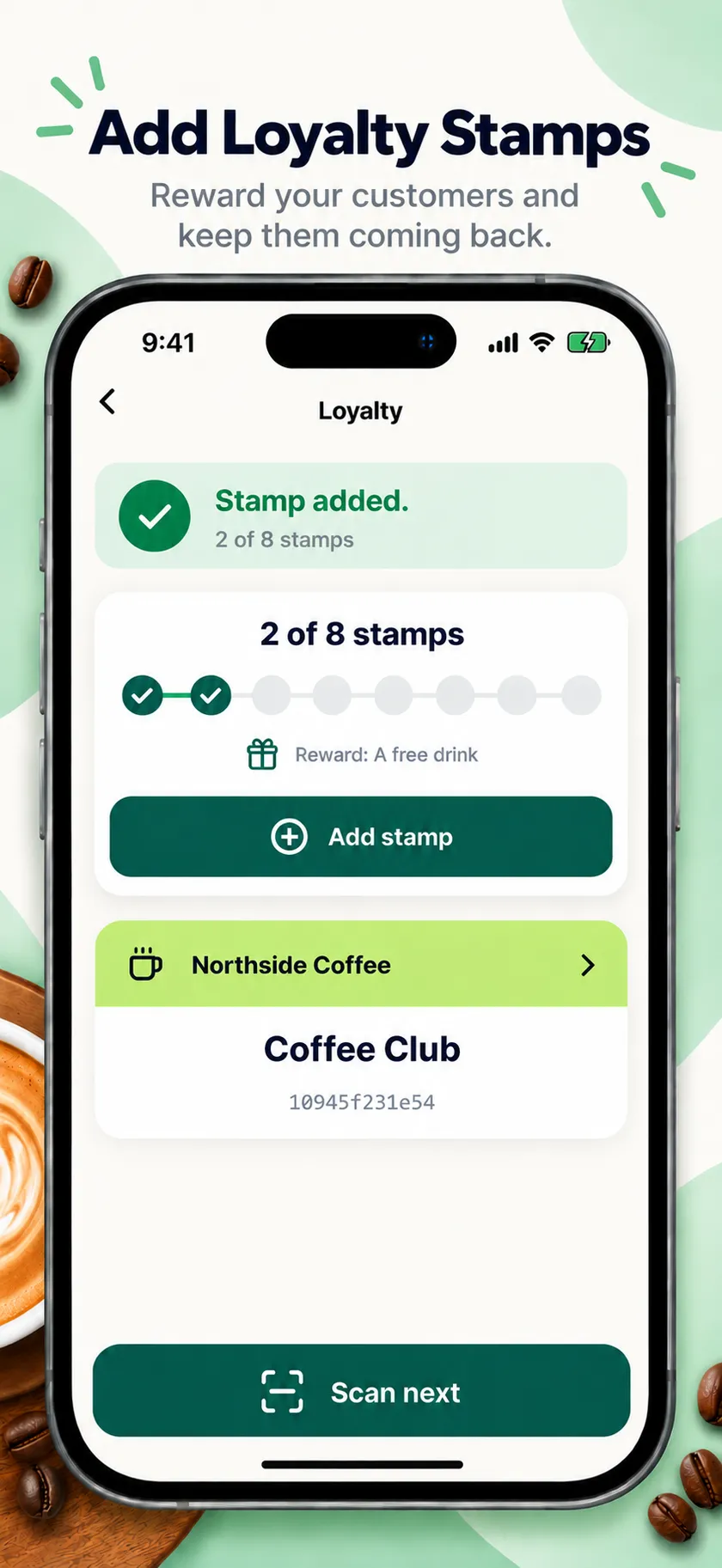
Add a stamp in one tap
See the customer's progress and their reward, then add a stamp, or record a purchase for spend-based rewards. The card in their wallet updates straight away.
Coupons and gift cards
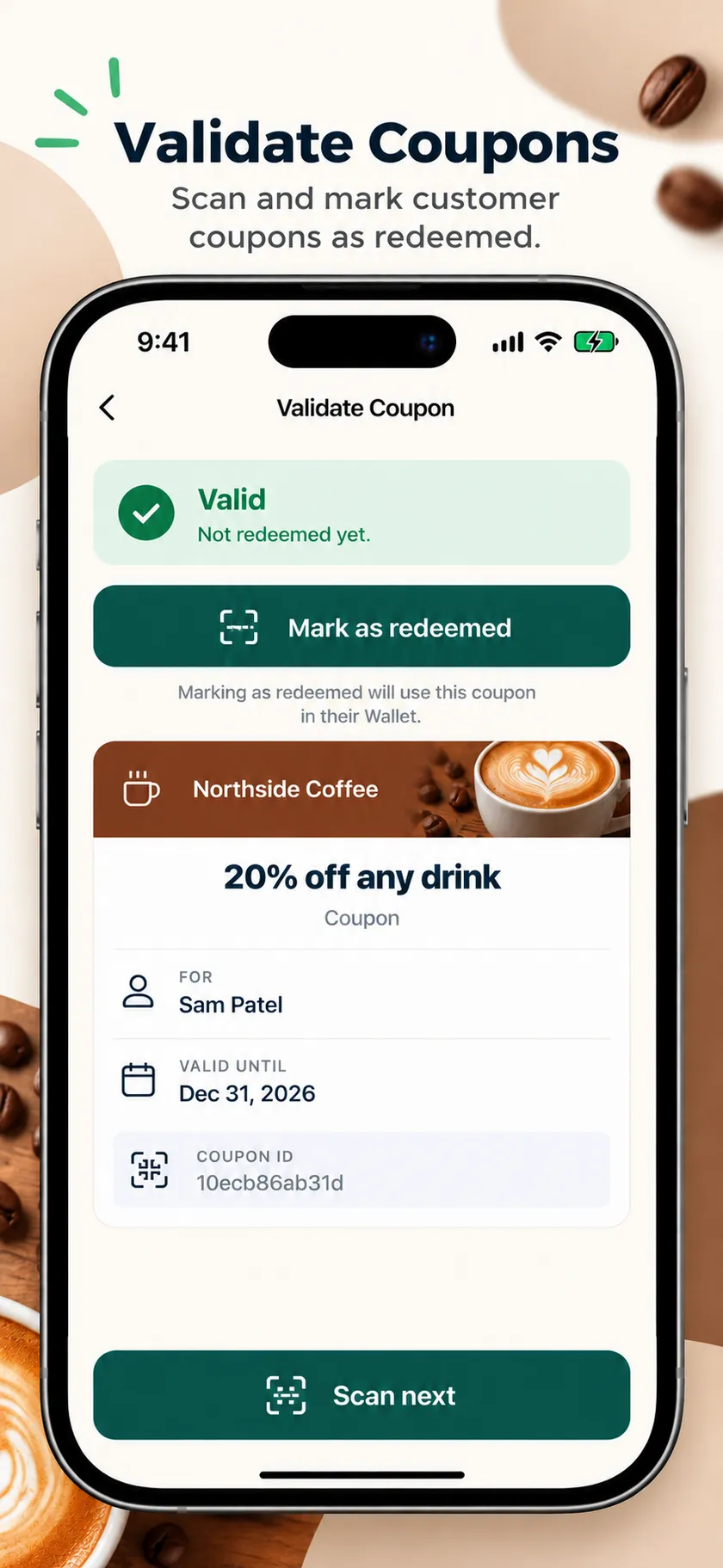
Redeem a coupon once, and only once
Staff confirm the redemption and the coupon shows as used in the customer's wallet. A second scan says it has already been redeemed.
Memberships and IDs
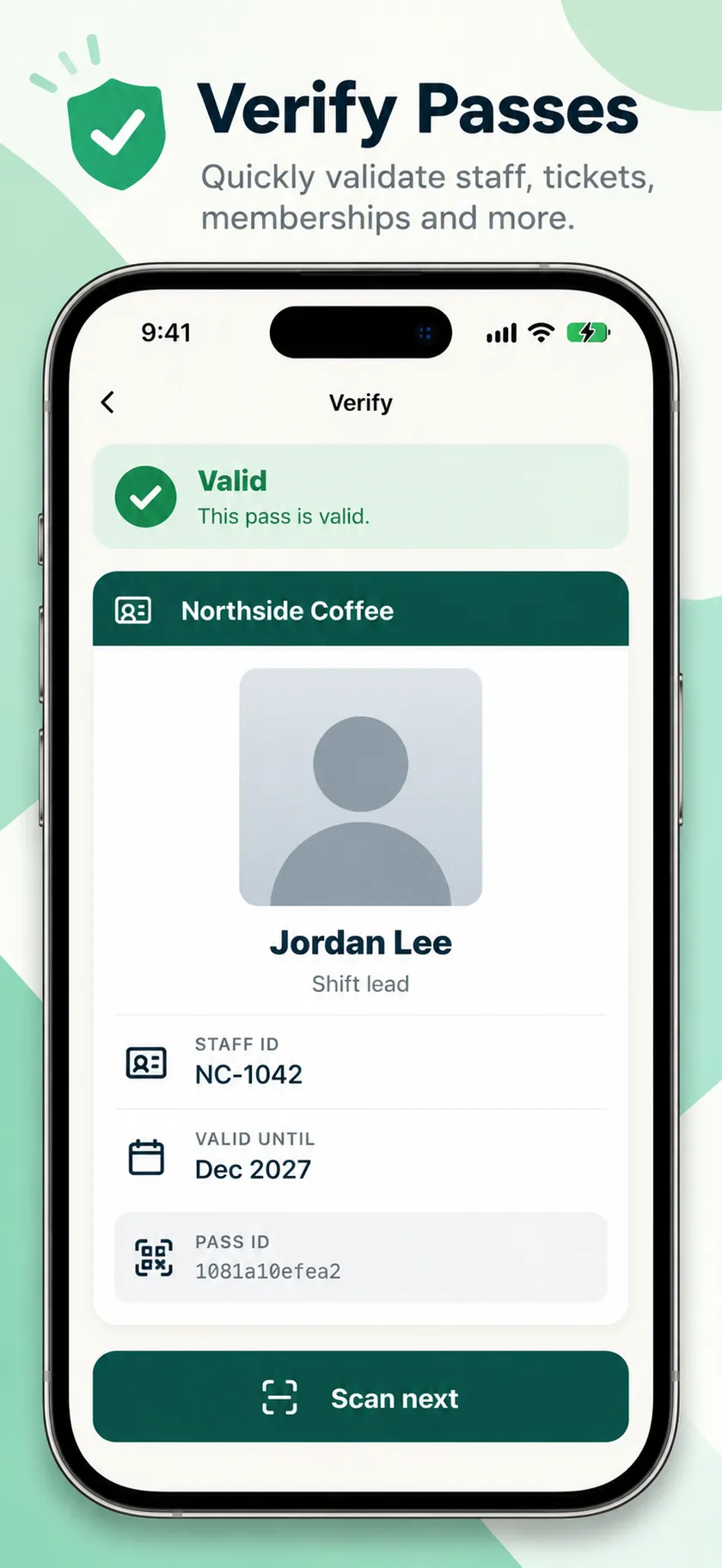
See whose pass it is
Membership cards and ID passes show the holder's photo, name and details, and whether the pass is still valid.
Made for busy doors and counters
Fast for staff, simple to run
Big, color-coded results
Readable at arm's length, with a vibration on every scan.
Ready for the next pass
The camera opens again as soon as you close a result.
Type the code if you need to
When a screen is cracked or dim, enter the number under the barcode.
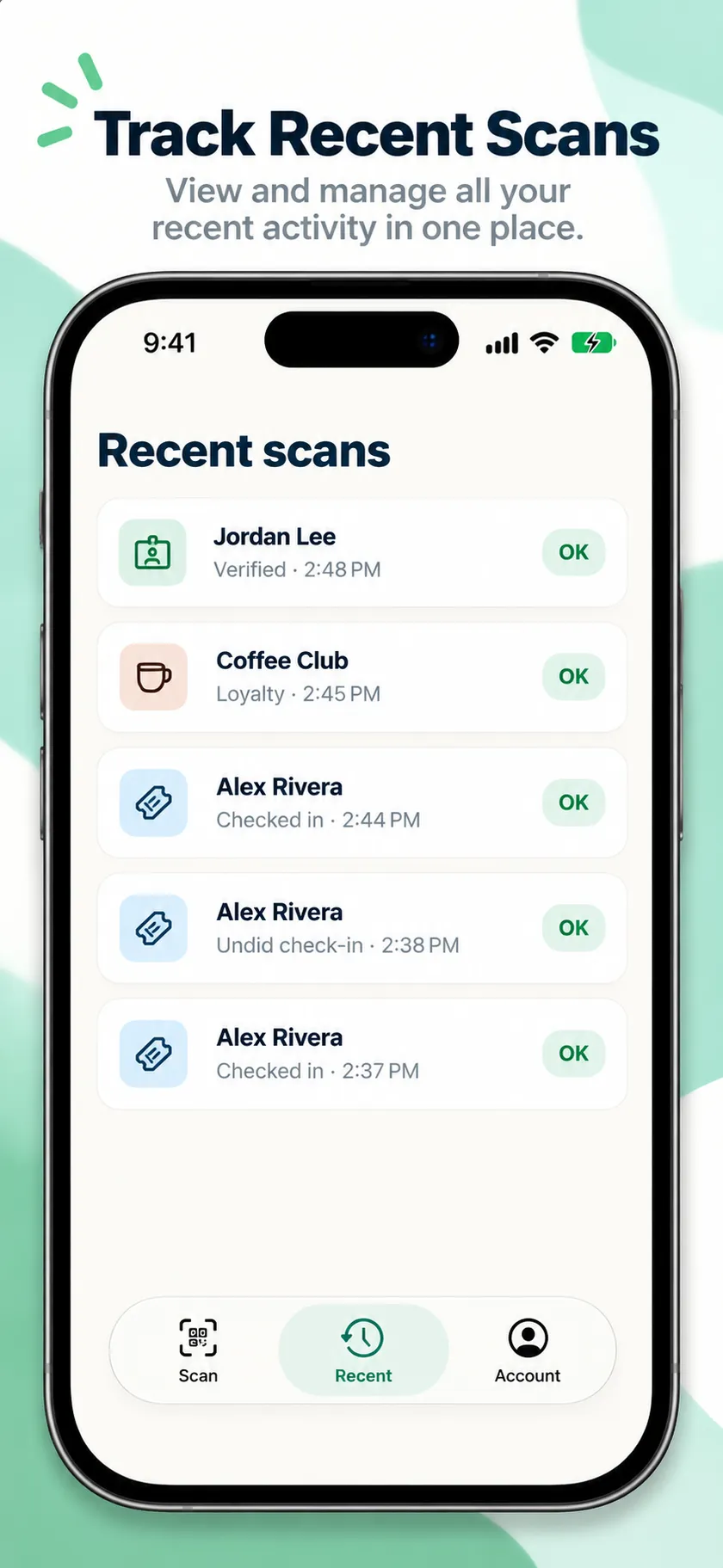
Recent scans
Look back at who came through and what each scan did.
Apple Wallet and Google Wallet
The same app scans passes from both wallets.
Free, with no ads or tracking
The camera only reads barcodes. Images are never saved or uploaded.
Get started
Scanning in three steps
Create your passes
Design tickets, loyalty cards, coupons or memberships on WalletPassBuilder. Each pass already knows what a scan should do.
Invite your staff
Add teammates from the Team page. Give counter staff Scanner only access: they can scan, but can't change passes or see billing.
Download and sign in
Staff install the app and sign in with their own login. Remove someone from your team and their scanner stops working straight away.
FAQ
Scanner app questions
Is the Scanner app free?+
Yes. The app is free on every WalletPassBuilder account, with no in-app purchases or ads. You need a WalletPassBuilder account to sign in.
Which phones does it run on?+
Android phones today, from Google Play. The iPhone app is in Apple's review and will be on the App Store soon.
Can it scan passes from both Apple Wallet and Google Wallet?+
Yes. It reads the QR code or barcode on any pass made with WalletPassBuilder, whichever wallet it was saved to.
How does the app know what to do with a pass?+
The pass decides. Loyalty cards add a stamp, tickets check in, coupons redeem once and memberships verify. You can change a pass's scan action in its Advanced settings.
Can my staff use it without seeing everything else?+
Yes. Invite them with Scanner only access and they can scan passes, but can't edit passes, see analytics or change billing.
Is there a way to scan without the app?+
For loyalty cards, yes: signed-in staff can add stamps from a phone or laptop browser at walletpassbuilder.com/scan. Tickets, coupons and memberships need the app.
Be on the lock screen in a few minutes.
Your first pass is quick to make. Pick a template, add your logo, and share the link.