


Apple Wallet and Google Wallet course cards and certificates for LearnDash
Give every LearnDash student a card on their phone that shows their progress through the course, and a wallet certificate when they complete it. Both update by themselves as students work through your courses.
New accounts get free pass credits to start. Built on LearnDash's documented functions and hooks in November 2026.
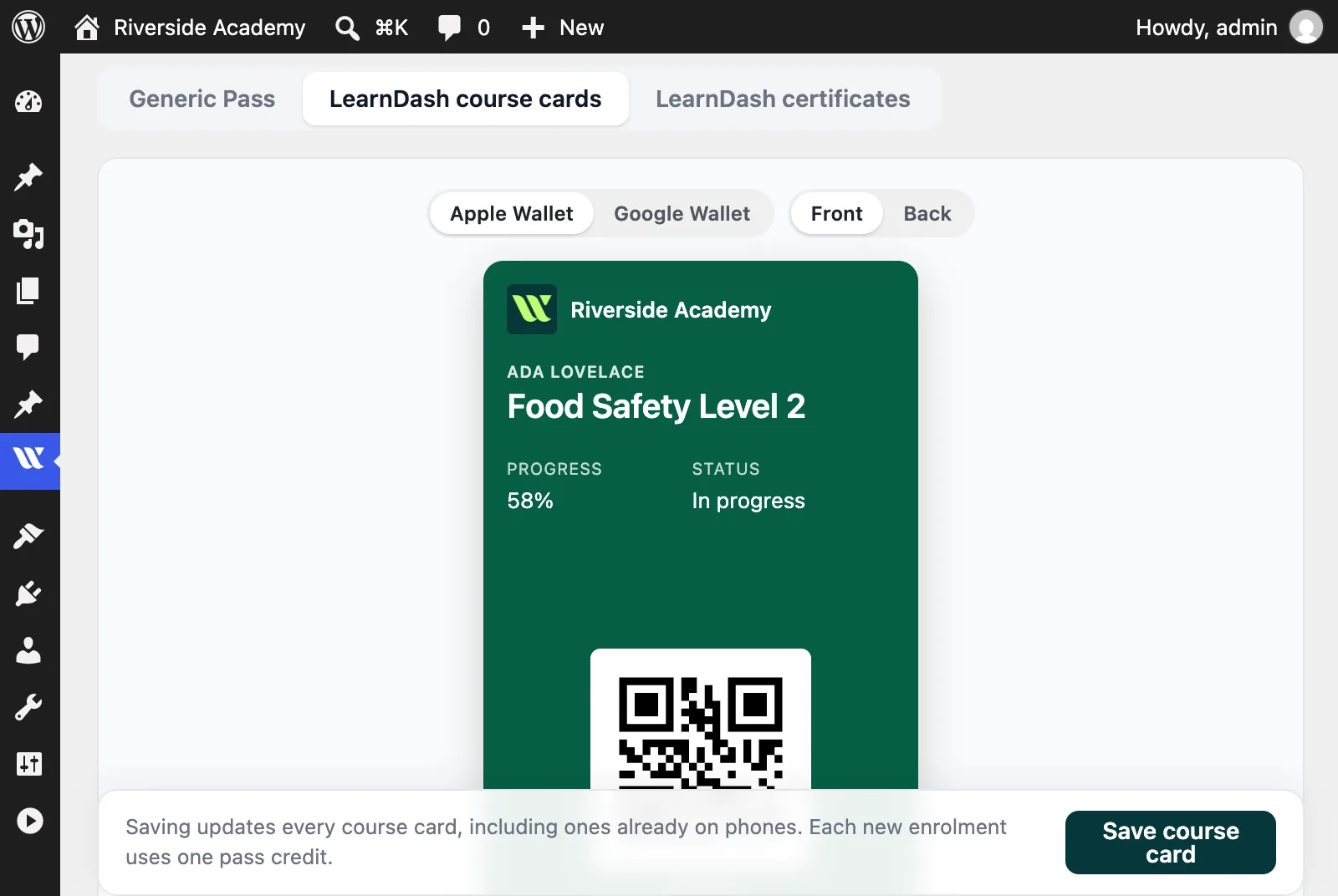
Ada Lovelace
Food Safety Level 2
Progress
58%
Status
In progress
412-87
Setup
Set up LearnDash wallet passes in four steps
Install the plugin
In WordPress, go to Plugins, then Add New, and search for WalletPassBuilder.
Connect your account
Open WalletPassBuilder in the admin menu and paste the API key from your dashboard.
Design the pass
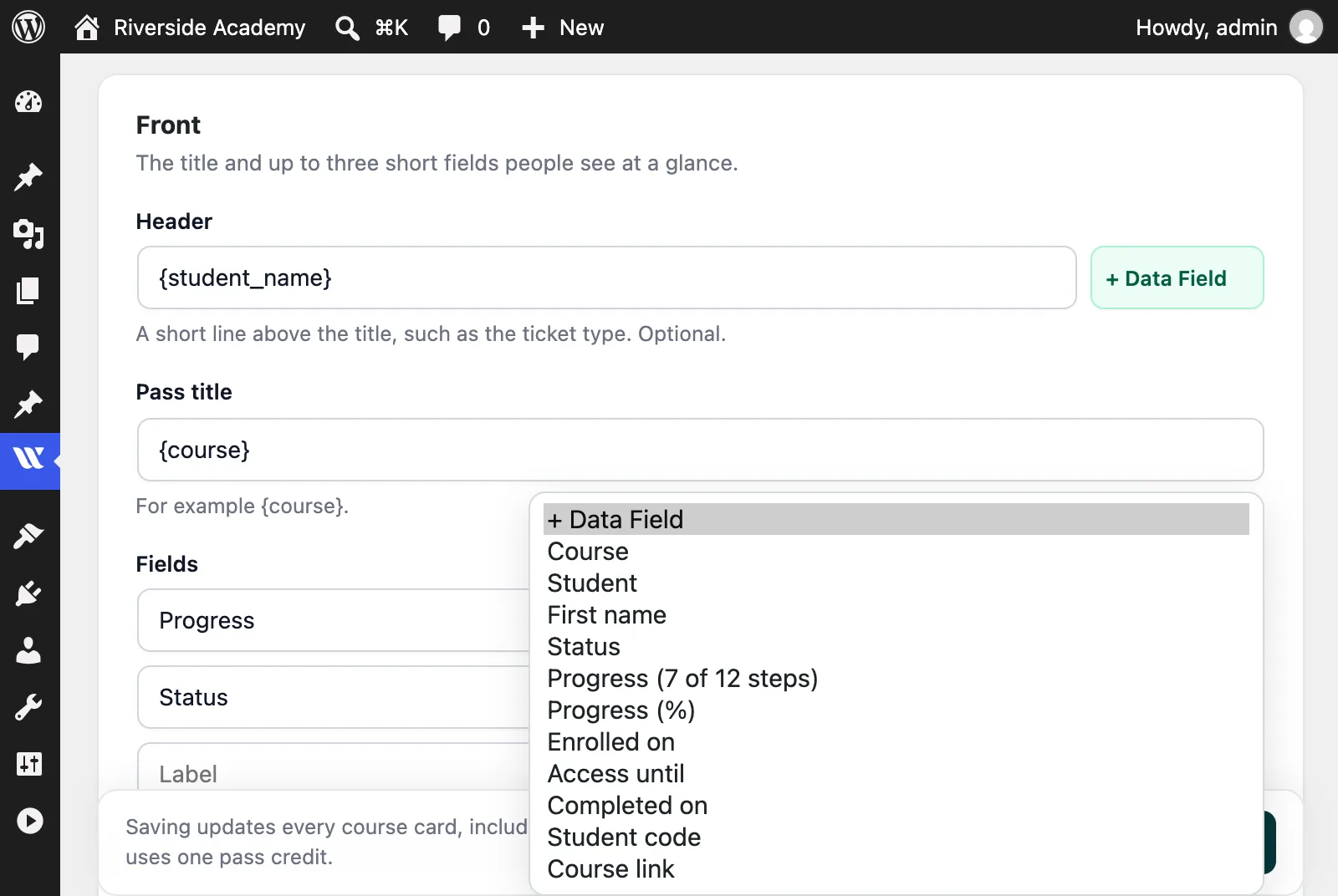
On the Pass Template tab, choose LearnDash course cards (and LearnDash certificates) and make it yours.
Turn on LearnDash
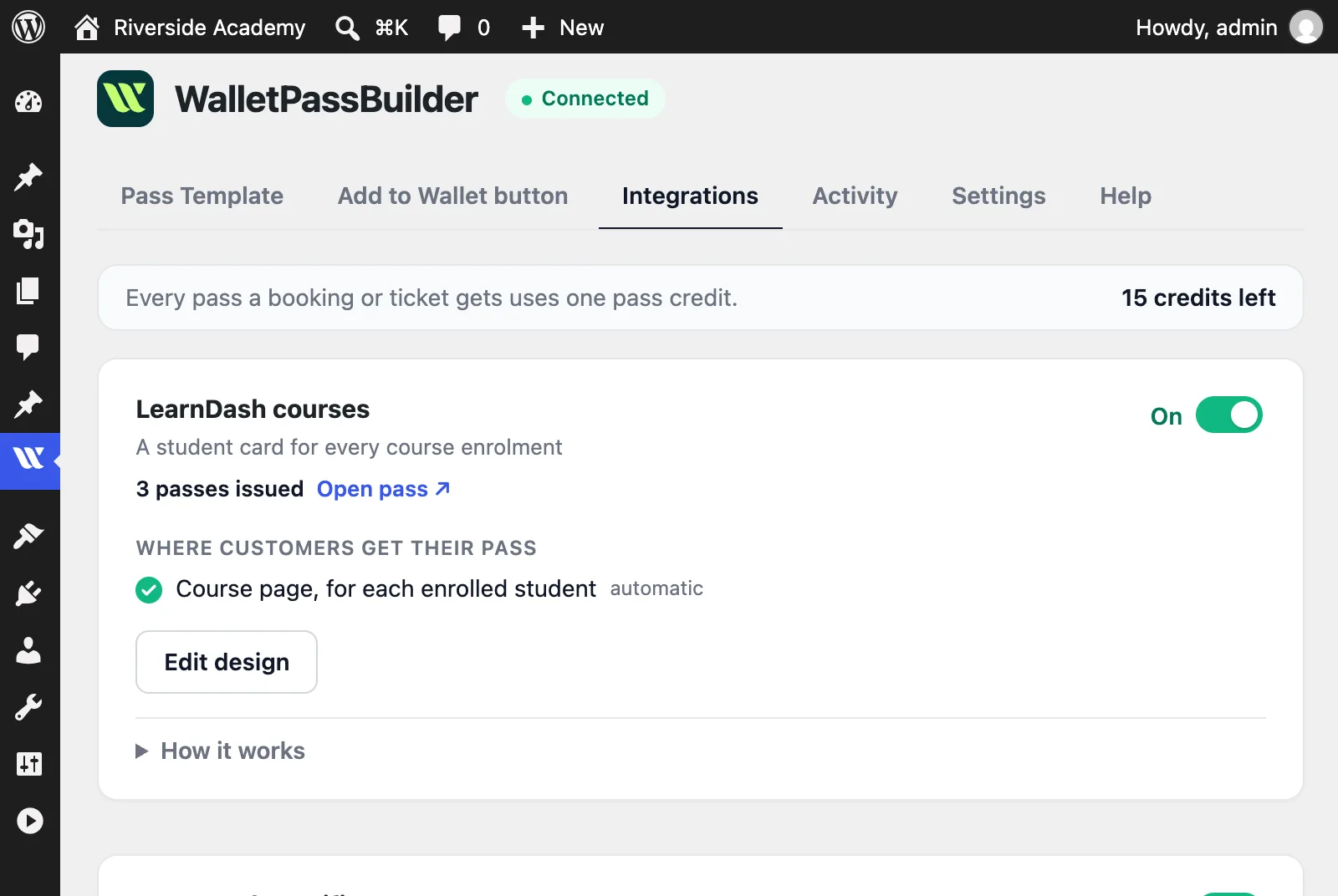
Switch on LearnDash courses, LearnDash certificates or both under the Integrations tab. Each has its own design.
Want every detail? Read the WordPress setup guide
Add to Wallet
Where students save their LearnDash pass
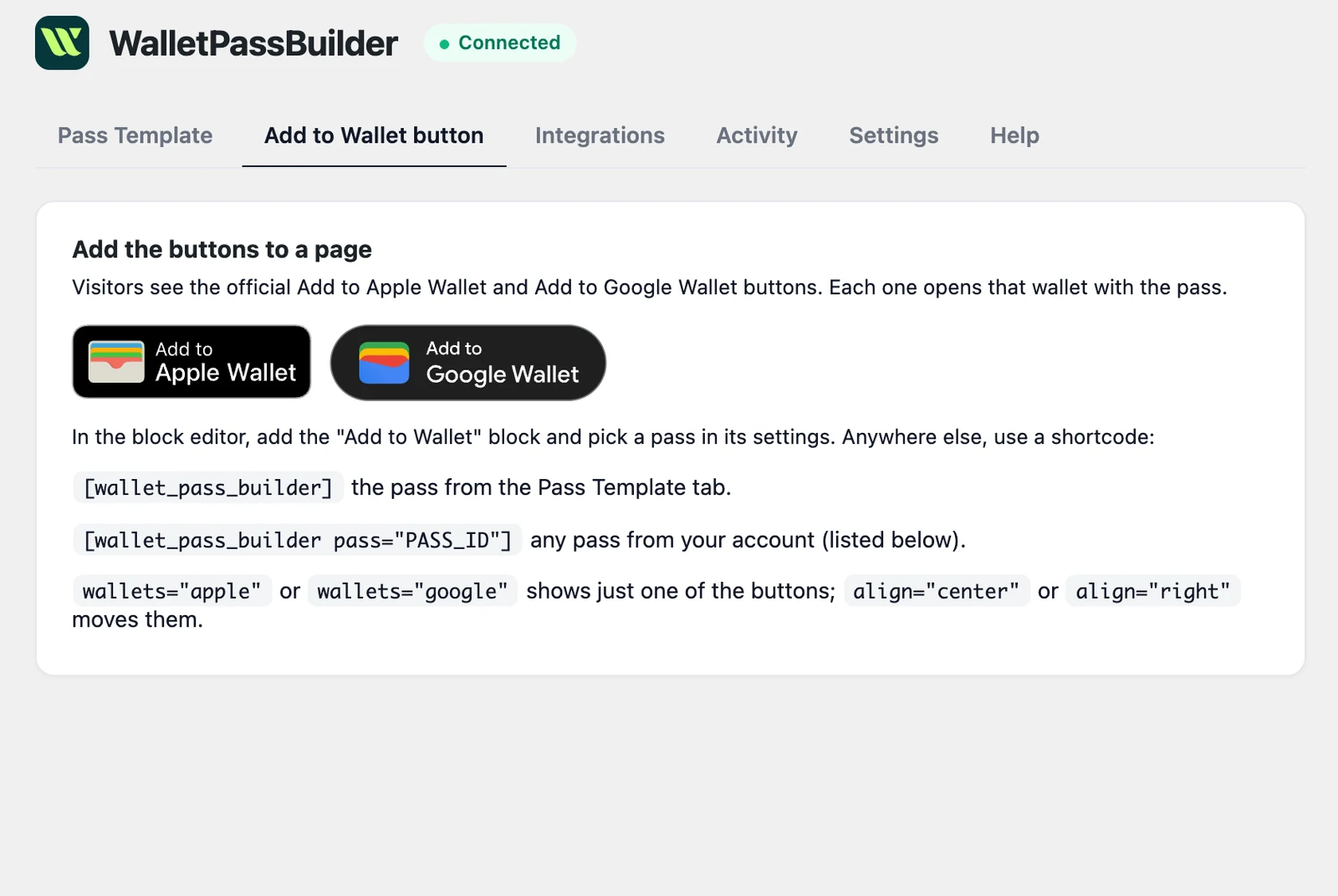
Once a pass is on, the official Add to Apple Wallet and Add to Google Wallet buttons appear on the course page for the signed-in student: the course card while they're enrolled, and the certificate once they've completed it.
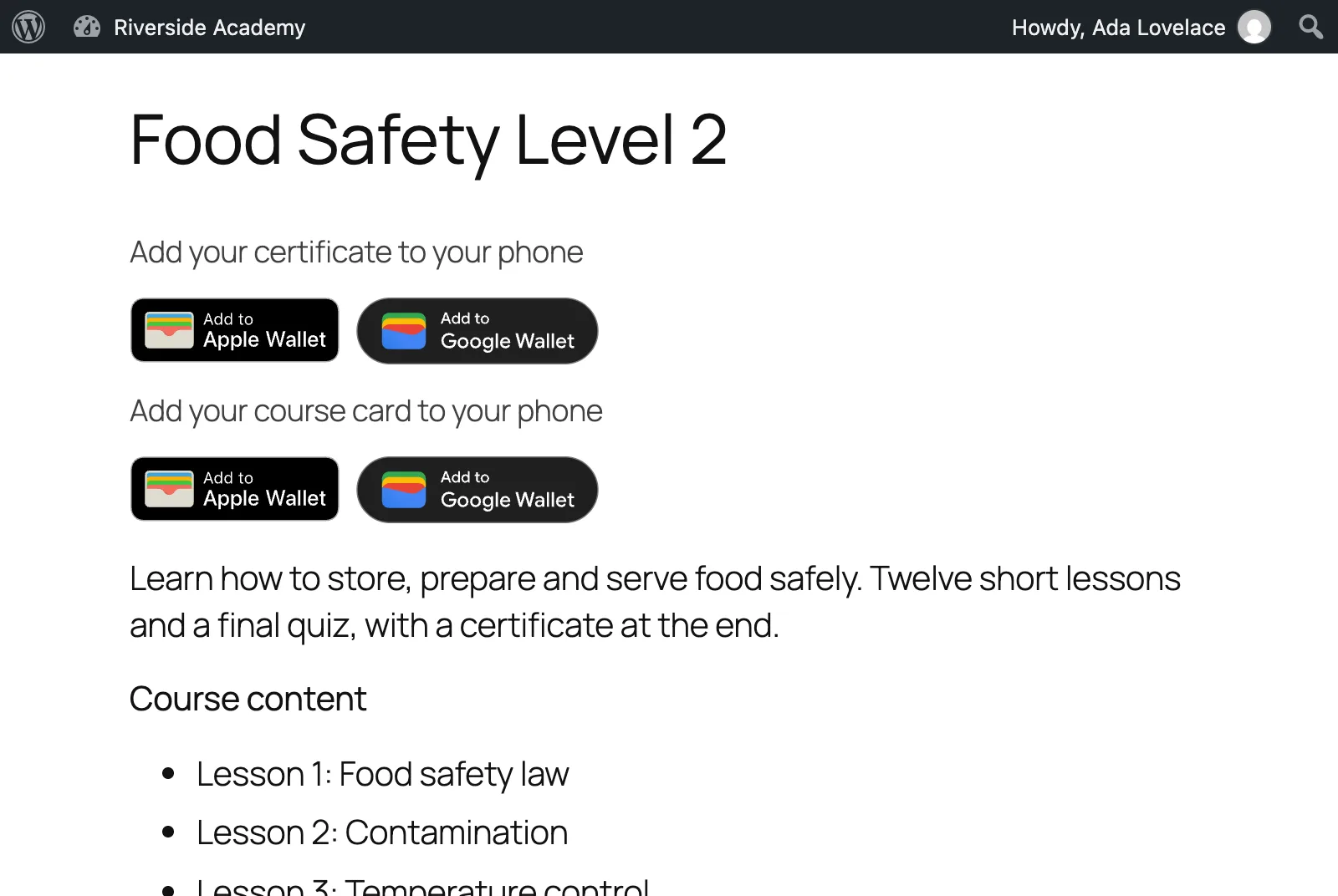
Course page
Above the course content, only for the student viewing it.
Any other page
Add the shortcode to a dashboard, a thank-you page after checkout or a welcome page. It shows the signed-in student's buttons for that course.
- [learndash_wallet_pass course_id="123"]
- Both of the student's passes for a course
- [learndash_wallet_pass course_id="123" pass="certificate"]
- Just the certificate
On the pass
Two passes, each with its own switch
Course cards: every enrolled student gets a card per course with their name, the course, their progress and status. Certificates: completing a course that awards a LearnDash certificate adds a wallet certificate with the completion date and a certificate number as a QR code. Turn on one or both. These are the details either can show:
- Course
- Student
- First name
- Status
- Progress (7 of 12 steps)
- Progress (%)
- Enrolled on
- Access until
- Completed on
- Student code
- Certificate number
- Certificate link
- Issued by
- Course link
Ada Lovelace
Food Safety Level 2
Progress
58%
Status
In progress
412-87
Ada Lovelace
Food Safety Level 2
412-87
Progress
58%
Status
In progress
Stays up to date
As students work through a course, the card keeps up
Enrolled
A student enrolled in a course, directly or through a LearnDash group, gets a course card. Courses open to everyone have no enrolments, so they get none.
Lessons, topics and quizzes
Each completed step updates the progress on the student's phone, such as 7 of 12 steps, 58%.
Course completed
The course card shows Completed, and on a course with a LearnDash certificate the student gets their wallet certificate.
Access removed
Remove a student from the course or its group and the card shows Access ended.
Compared
LearnDash wallet certificate or PDF certificate?
LearnDash already makes a PDF certificate. A wallet certificate puts the proof on the student's phone, where it's quick to show, and links to the PDF.
| PDF certificate | Wallet certificate | |
|---|---|---|
| Easy to show when asked | Only by finding the file or signing in | Yes, in the wallet on their phone |
| Certificate number to check | Printed on the PDF | Yes, as a QR code |
| Your logo and colours | Yes | Yes |
| Shows course progress before it's done | No | Yes, on the course card |
| Updates after it's issued | No | Yes, on the student's phone |
Who it's for
Who LearnDash wallet passes are for
Compliance and safety training
Food safety, first aid and site safety certificates that people are asked to show at work.
Wallet passes for schools and nonprofitsContinuing education
CPD and CE courses where the completion date and a certificate number matter.
Course creators
A branded card on every student's phone that brings them back to finish the course.
Corporate academies
Cohorts enrolled through LearnDash groups each get their card without anyone issuing it by hand.
LearnDash questions
- Do my students need to install an app?
- No. The pass opens in Apple Wallet or Google Wallet, which they already have on their phone. On a computer, the button opens a page with a QR code to scan with their phone.
- Can I issue only certificates?
- Yes. Course cards and certificates each have their own switch, so you can turn on certificates without giving every enrolled student a card.
- Which courses get a wallet certificate?
- Courses that award a LearnDash certificate. A course without one still gets course cards if those are on.
- Can someone check a certificate number?
- The number reads as the course, the student and the completion date, and ends in a check code made with your site's secret keys, so a made-up number doesn't match. The link on the back of the pass opens the LearnDash certificate for the student.
- Does it work with LearnDash groups?
- Yes. Students who get a course through a group get its card, and leaving the group ends their access on the card.
- What does it cost?
- The plugin is free. It uses pass credits from your WalletPassBuilder account: 1 per pass created or saved to a wallet, whichever total is higher. Updating passes doesn't use credits, and new accounts get free pass credits to start.
- Is my students' contact information on the pass?
- No. Email addresses are never sent to WalletPassBuilder, because anyone who sees the phone can see a wallet pass.
Use another plugin? See everything the WordPress plugin works with
Be on the lock screen in a few minutes.
Your first pass is quick to make. Pick a template, add your logo, and share the link.