


Apple Wallet and Google Wallet tickets for FooEvents
Give every FooEvents ticket its own wallet pass. Its QR code is the ticket ID the FooEvents Check-ins app already scans, the buttons go into FooEvents' own ticket emails, and check-ins show on the attendee's phone.
New accounts get free pass credits to start. Tested with FooEvents for WooCommerce 2.0.20 and WooCommerce 11.3 in November 2026.
Maya Rivers
Summer Jazz Night
Date
Nov 28
Time
7:30 PM
Where
Riverside
17570062
Setup
Set up FooEvents wallet tickets in four steps
Install the plugin
In WordPress, go to Plugins, then Add New, and search for WalletPassBuilder.
Connect your account
Open WalletPassBuilder in the admin menu and paste the API key from your dashboard.
Design the pass
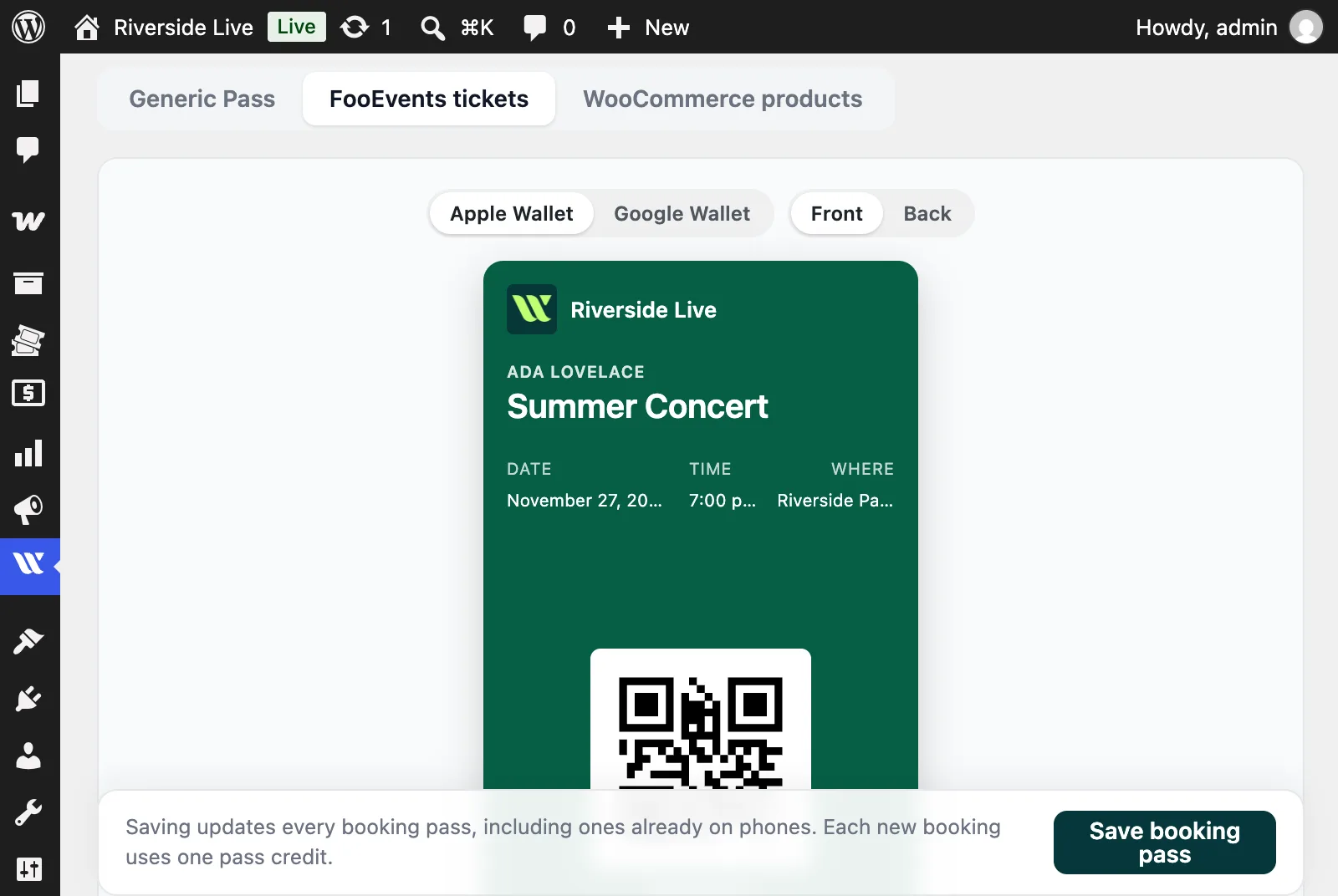
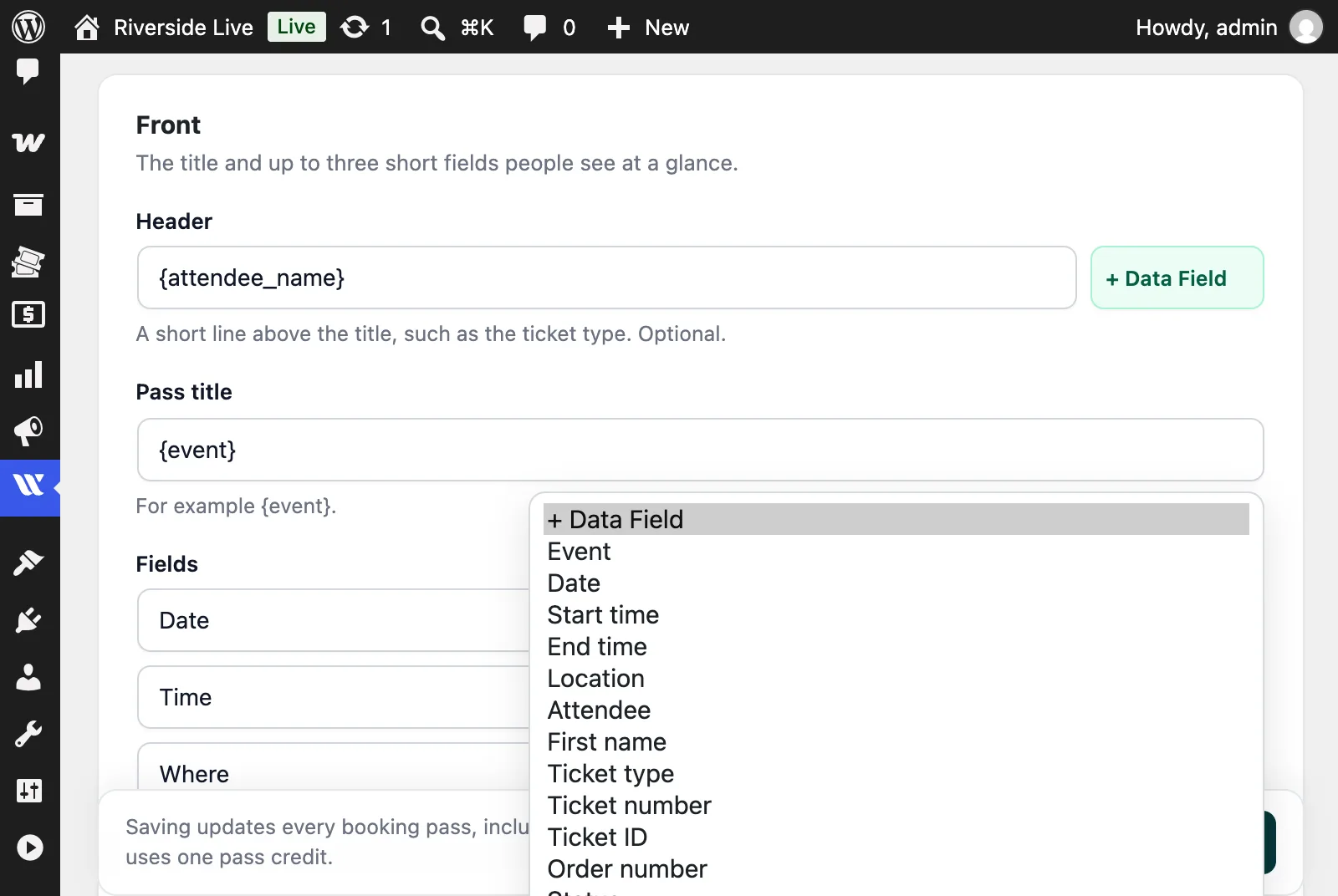
On the Pass Template tab, choose FooEvents tickets and make it yours.
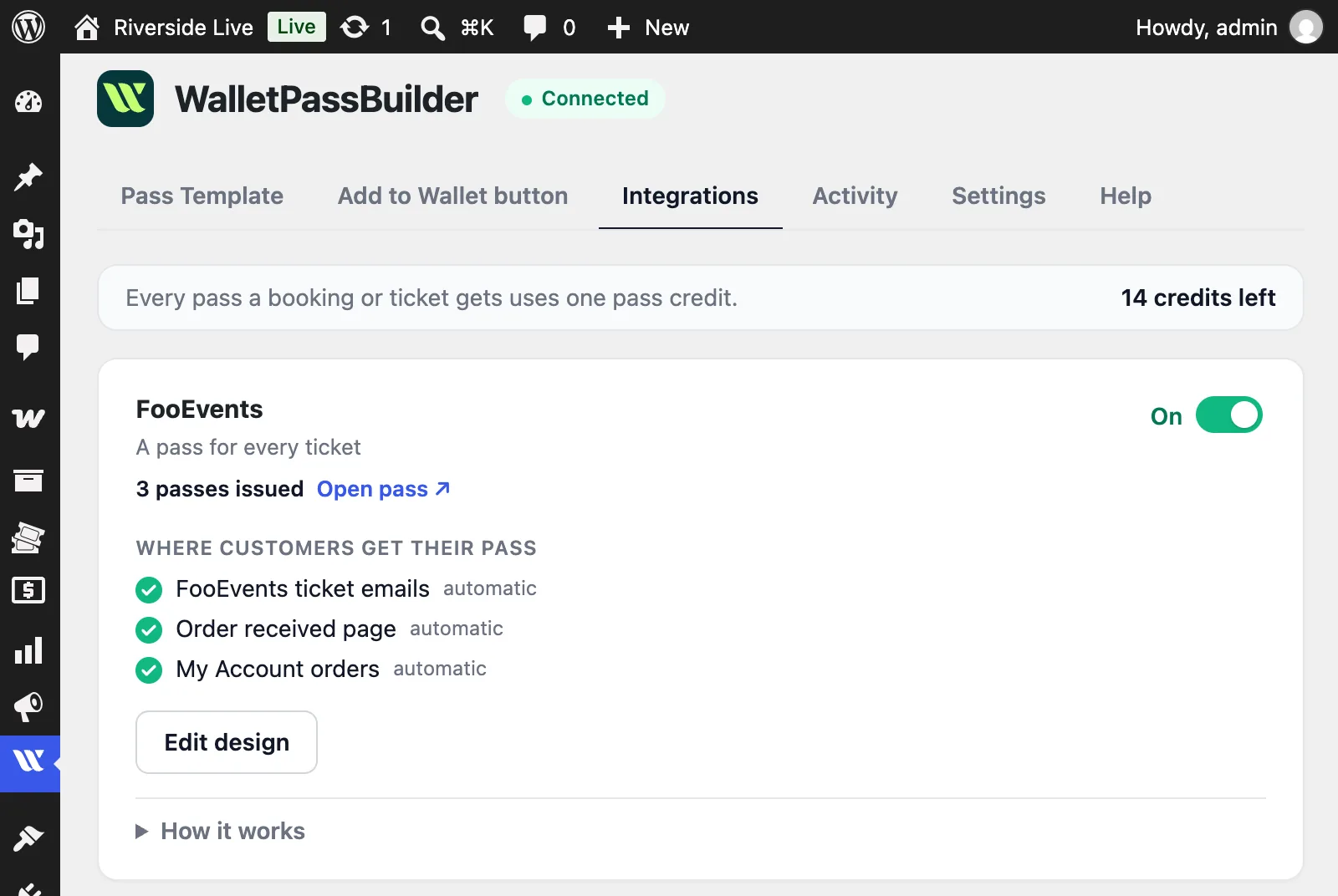
Turn on FooEvents
Switch it on under the Integrations tab. New tickets get their pass from then on.
Want every detail? Read the WordPress setup guide
Add to Wallet
Where attendees save their FooEvents ticket
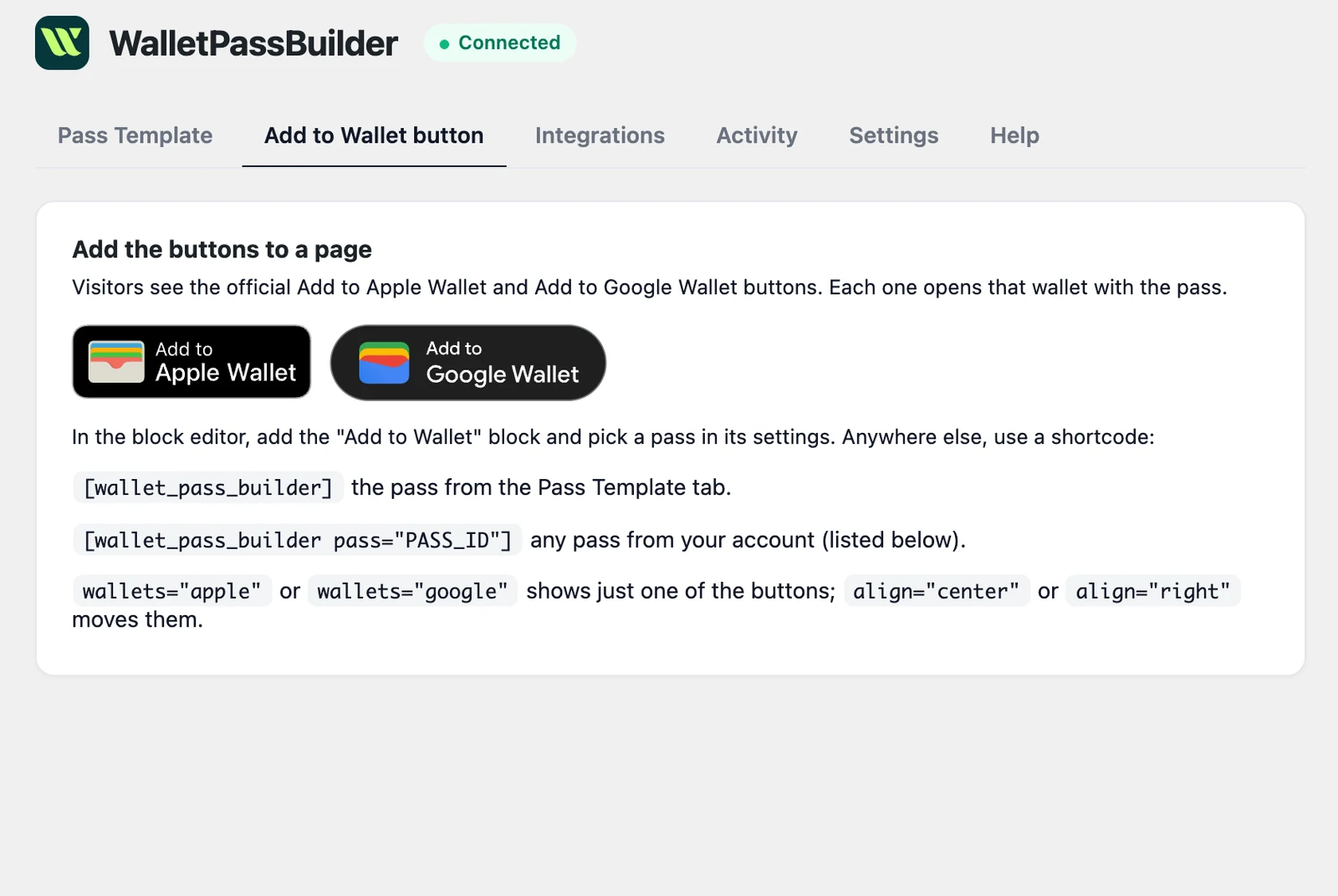
Once the integration is on, the official Add to Apple Wallet and Add to Google Wallet buttons appear in the FooEvents ticket emails your attendees already get, one pair per ticket, with nothing to set up.
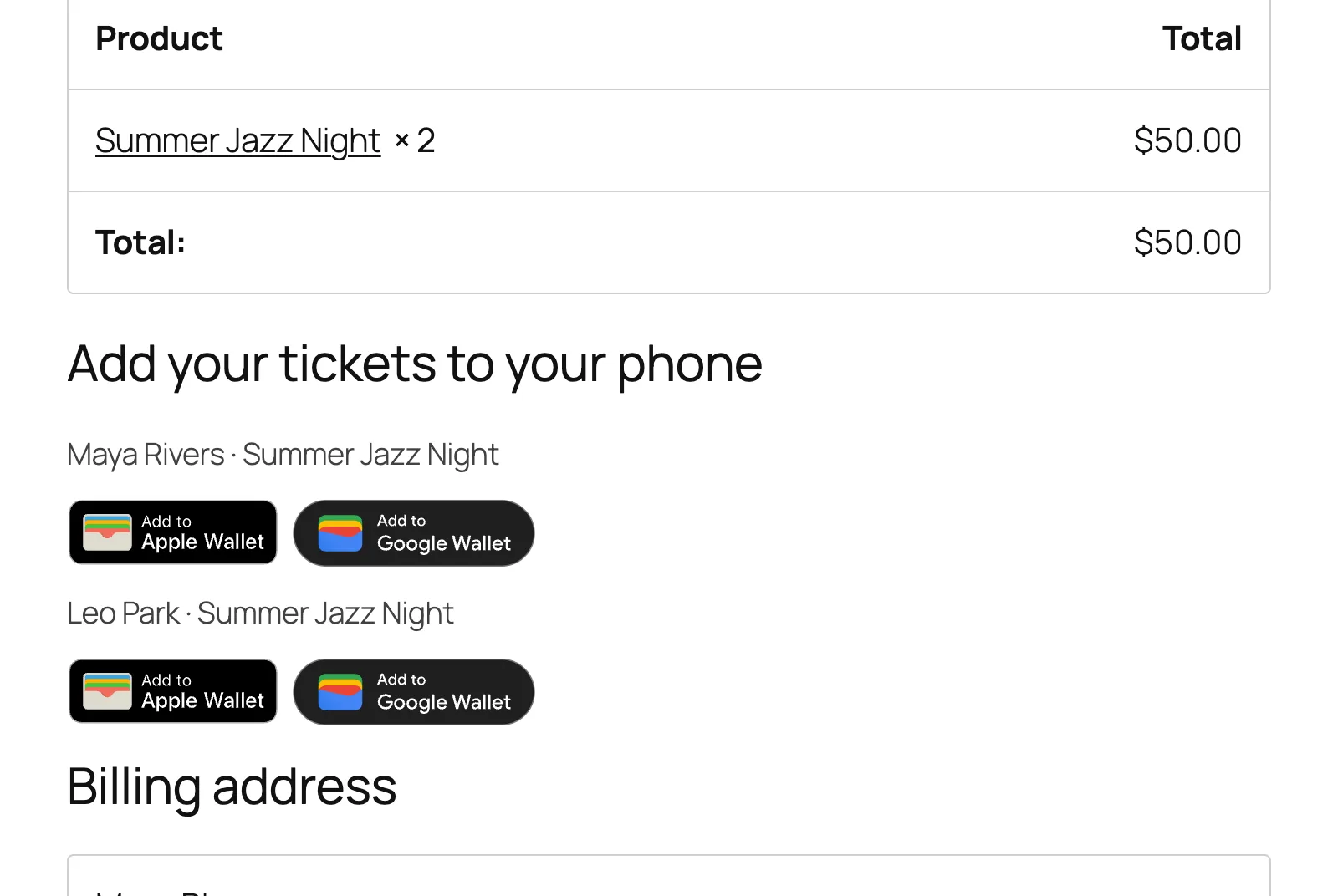
FooEvents ticket emails
Under each ticket's text, so every attendee gets the buttons for their own ticket.
Order received page
One pair of buttons per ticket, right after checkout.
My Account
On the order, so buyers can come back to their tickets.
- {WalletPassButtons}
- Optional: put the buttons in a specific place in an event's ticket text
On the pass
Every FooEvents ticket's details, on the attendee's phone
A new pass shows the attendee's name, the event, its date, time and location, and the FooEvents ticket ID as a QR code. A multi-day event shows its dates as a range, in the event's own time zone.
- Event
- Date
- Start time
- End time
- Location
- Attendee
- First name
- Ticket type
- Ticket number
- Ticket ID
- Order number
- Status
Maya Rivers
Summer Jazz Night
Date
Nov 28
Time
7:30 PM
Where
Riverside
17570062
Maya Rivers
Summer Jazz Night
17570062
Date
Nov 28
Time
7:30 PM
Where
Riverside
Stays up to date
When a FooEvents ticket changes, so does the pass
Paid
Each ticket's pass is issued once its order is paid and FooEvents creates the ticket, so a bank transfer waits until the money arrives.
Checked in
Scan the ticket with the FooEvents Check-ins app and the pass shows Checked in.
Cancelled or refunded
Cancel a ticket, or cancel or refund its order, and the pass shows Cancelled or Refunded.
Event changed
Change the event's date, time or location and every ticket's pass updates.
Compared
FooEvents wallet ticket or emailed ticket?
FooEvents already emails tickets. A wallet pass carries the same ticket ID, so the Check-ins app scans either one.
| Emailed ticket | Wallet pass | |
|---|---|---|
| Scans with the FooEvents Check-ins app | Yes | Yes, it's the same ticket ID |
| Easy to find at the door | Only by searching their inbox | Yes, in the wallet on their phone |
| Shows when it's been checked in | No | Yes |
| Updates when the event changes | No, it shows what was sent | Yes, on the attendee's phone |
| Reminder near the venue | No | Optional |
Who it's for
Who FooEvents wallet tickets are for
Ticket sellers
Sell through WooCommerce, and give every attendee in an order a pass in their own name.
Wallet passes for eventsDoor staff
Keep the FooEvents Check-ins app. It scans the pass like any other FooEvents ticket.
Festivals and multi-day events
One pass covers the whole event, with its dates shown as a range.
Venues with changing schedules
Move an event and every attendee's pass shows the new date and time.
FooEvents questions
- Do my customers need to install an app?
- No. The pass opens in Apple Wallet or Google Wallet, which they already have on their phone. On a computer, the button opens a page with a QR code to scan with their phone.
- Which version of FooEvents do I need?
- FooEvents for WooCommerce, the paid plugin from fooevents.com, with WooCommerce. We tested with version 2.0.20.
- Will the FooEvents Check-ins app scan the pass?
- Yes. The QR code is the FooEvents ticket ID (or the formatted ticket number, if your event is set to use that), so the app treats it like the ticket FooEvents issued.
- Do I have to edit my ticket emails?
- No. The buttons appear under each ticket's text automatically. Put {WalletPassButtons} in an event's ticket text only if you want them somewhere else.
- When is the pass issued?
- When FooEvents creates the ticket, once the order reaches the status FooEvents is set to send tickets on (Completed by default).
- What does it cost?
- The plugin is free. It uses pass credits from your WalletPassBuilder account: 1 per pass created or saved to a wallet, whichever total is higher. Updating passes doesn't use credits, and new accounts get free pass credits to start.
- Is my attendee's contact information on the pass?
- No. Email addresses and phone numbers are never sent to WalletPassBuilder, because anyone who sees the phone can see a wallet pass.
- What if a ticket doesn't get a pass?
- Check that FooEvents is turned on under the plugin's Integrations tab, then look in Activity. A failed entry says why, and Retry sends it again. The plugin also checks every 15 minutes for anything that failed.
Use another plugin? See everything the WordPress plugin works with
Be on the lock screen in a few minutes.
Your first pass is quick to make. Pick a template, add your logo, and share the link.