


Apple Wallet and Google Wallet tickets for Events Manager
Give every space in an Events Manager booking its own wallet pass and QR code. A booking for three is three tickets to share and scan, and they update when the event changes.
New accounts get free pass credits to start. Tested with Events Manager 7.4 (free) in October 2026.
Setup
Set up Events Manager wallet tickets in four steps
Install the plugin
In WordPress, go to Plugins, then Add New, and search for WalletPassBuilder.
Connect your account
Open WalletPassBuilder in the admin menu and paste the API key from your dashboard.
Design the pass
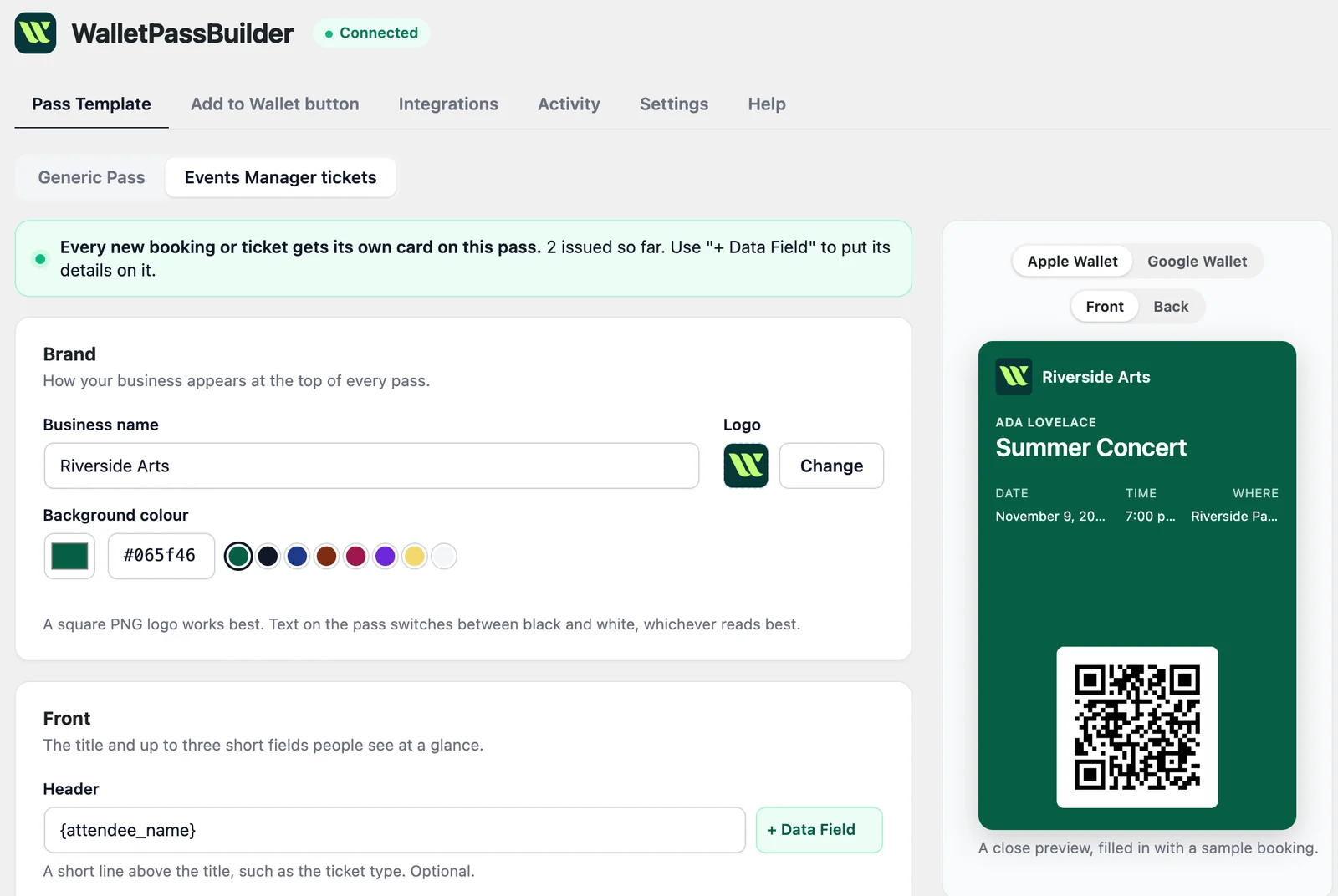
On the Pass Template tab, choose Events Manager tickets and make it yours.
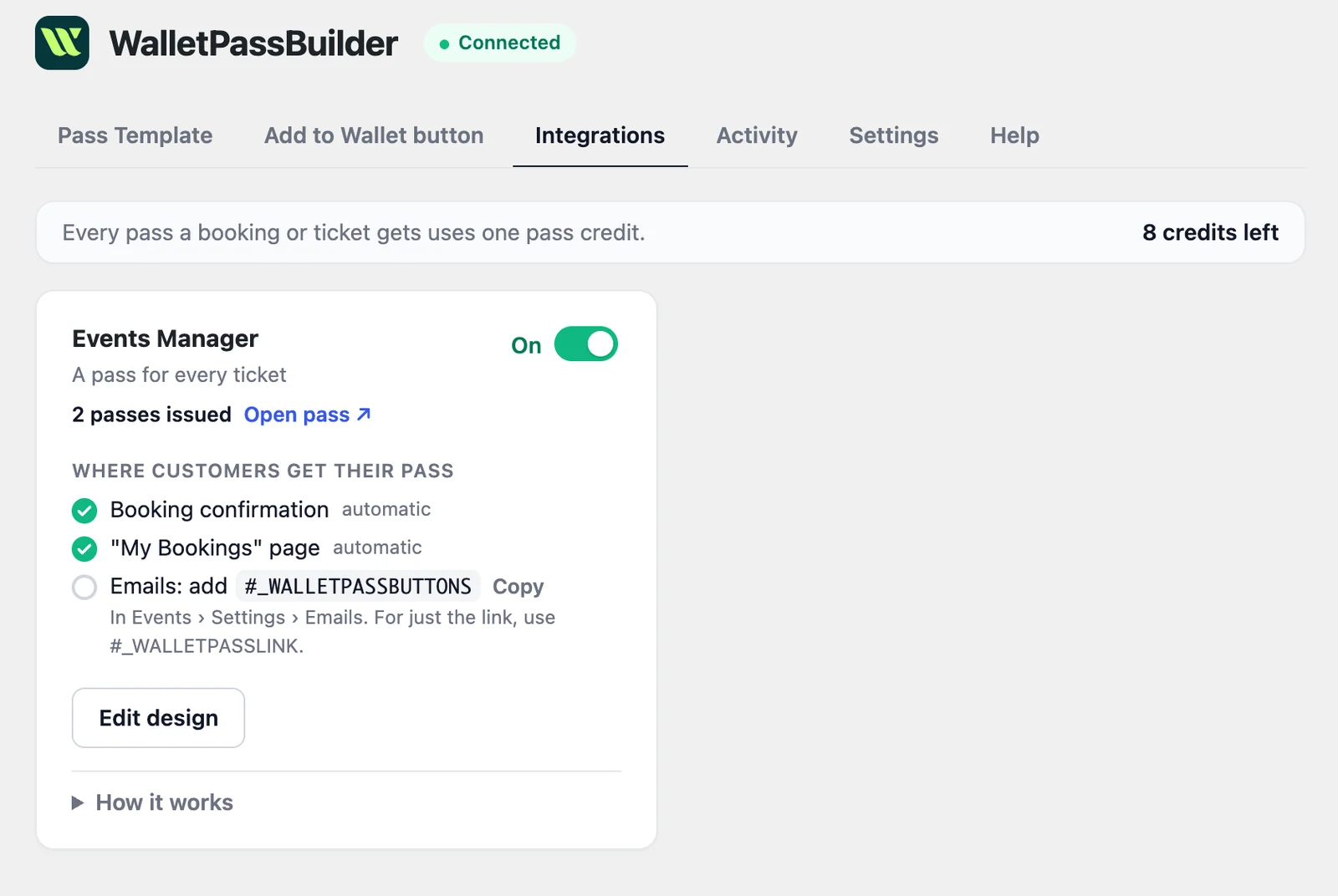
Turn on Events Manager
Switch it on under the Integrations tab. New bookings get their pass from then on.
Want every detail? Read the WordPress setup guide
Add to Wallet
Where attendees save their Events Manager ticket
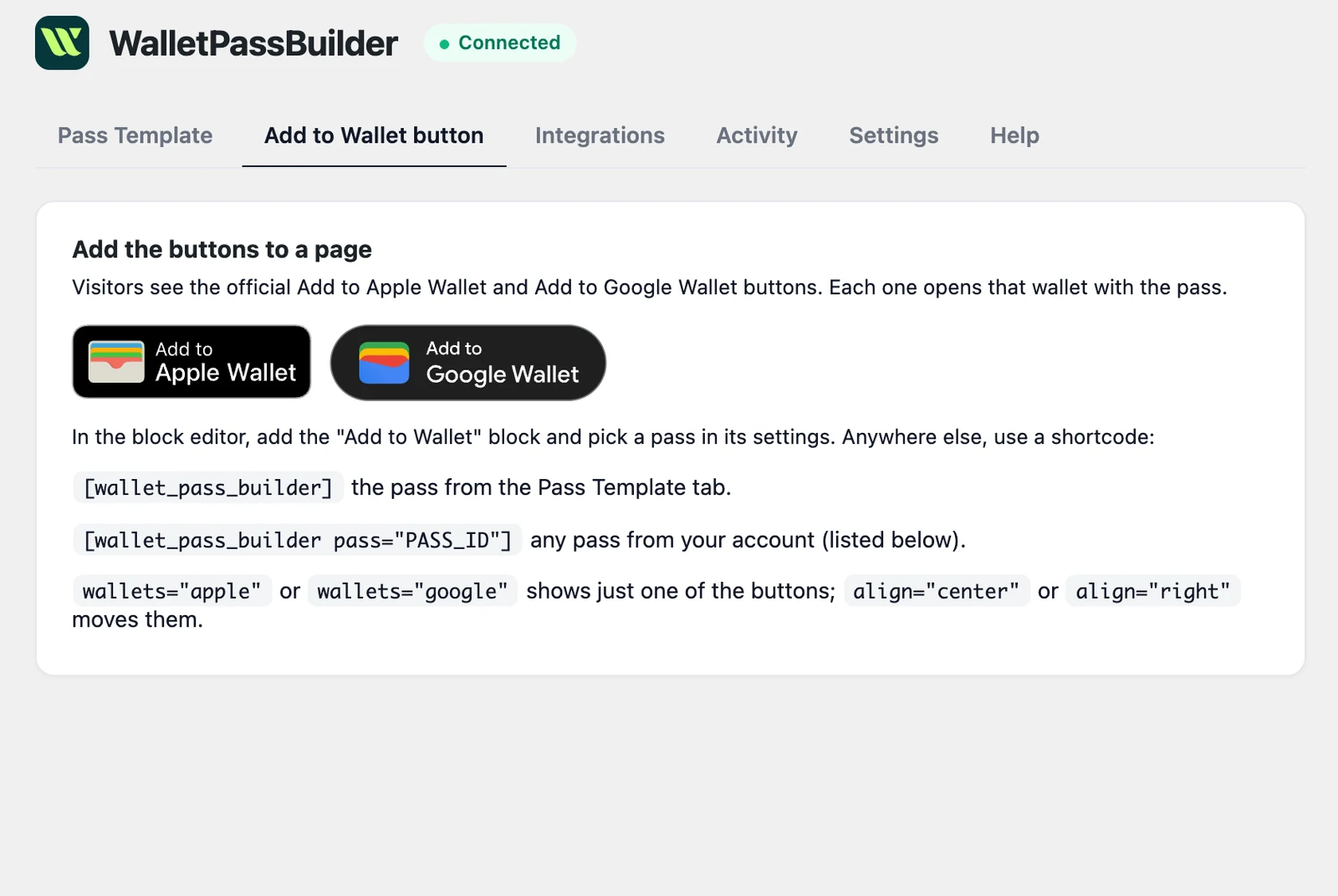
Once the integration is on, the official Add to Apple Wallet and Add to Google Wallet buttons appear in the booking form's success message and on My Bookings, and you can add them to its emails.
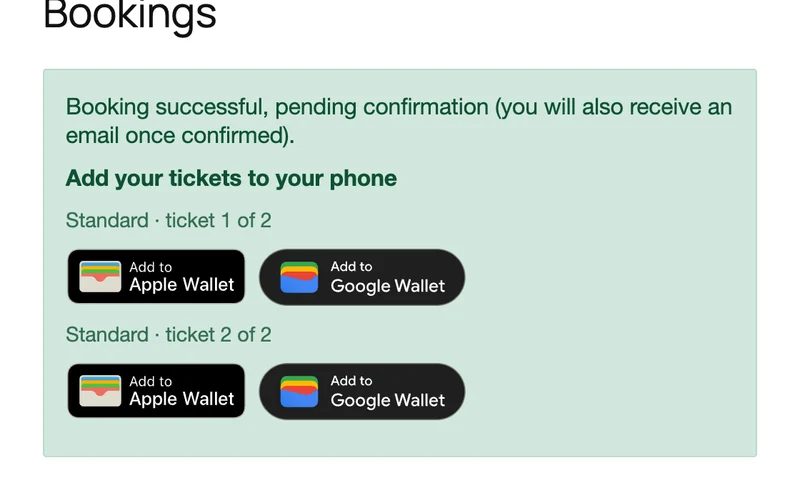
Booking success message
One pair of buttons per space, right after the booking goes through.
My Bookings
Beside each booking on the page where logged-in customers manage theirs.
Events Manager's emails
Add a placeholder to a booking email template under Events > Settings > Emails.
- #_WALLETPASSBUTTONS
- The Add to Wallet buttons
- #_WALLETPASSLINK
- A plain link to the pass
On the pass
Every Events Manager space's details, on the attendee's phone
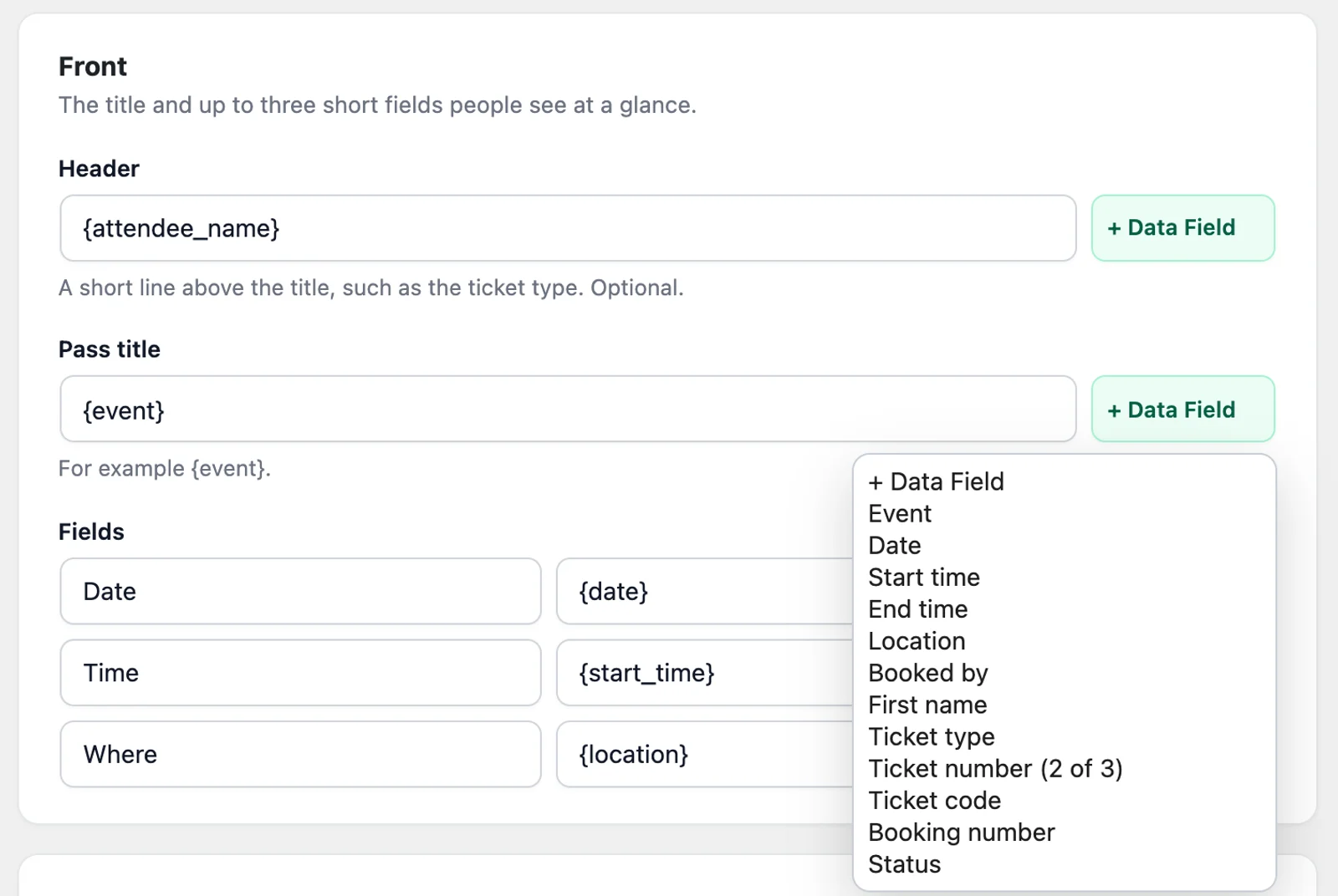
A new pass shows who booked, the event, its date, time and location, and the ticket code as a QR code. The ticket number shows which of the booking's spaces it is, such as 2 of 3.
- Event
- Date
- Start time
- End time
- Location
- Booked by
- First name
- Ticket type
- Ticket number
- Ticket code
- Booking number
- Status
Ada Lovelace
Summer Concert
Date
Nov 14
Time
7 PM
Where
Riverside
A3F9C2E71B
Ada Lovelace
Summer Concert
A3F9C2E71B
Date
Nov 14
Time
7 PM
Where
Riverside
Stays up to date
When an Events Manager booking changes, so does the ticket
Booked
Each space gets its own pass, while the booking is pending approval or once it's approved.
Approved
The status on the pass follows the booking when you approve it.
Cancelled or rejected
The pass shows that the booking was cancelled, and cancelling the event shows Event cancelled.
Event changed
Save a new date, time or location and every booking's passes update.
Compared
Events Manager wallet ticket or booking email?
Events Manager already emails a booking confirmation. A wallet pass gives each person in the booking their own code, and you can put the buttons in that email.
| Booking email | Wallet pass | |
|---|---|---|
| One code per person | No, one email per booking | Yes, one pass per space |
| Easy to find at the door | Only by searching their inbox | Yes, in the wallet on their phone |
| Updates when the event changes | Only with a new email | Yes, on the customer's phone |
| Lock-screen reminder | No | Optional, at the start time |
| Reminder near the venue | No | Optional |
Who it's for
Who Events Manager wallet tickets are for
Community groups
Take free bookings and still hand each person a ticket with their own code.
Wallet passes for eventsFamilies and groups
A booking for three gives three passes, so people can arrive separately.
Events that need approval
The pass exists from the moment of booking and its status changes when you approve.
Clubs and associations
Members who book through their account can find the buttons again on My Bookings.
Wallet passes for associationsEvents Manager questions
- Do my customers need to install an app?
- No. The pass opens in Apple Wallet or Google Wallet, which they already have on their phone. On a computer, the button opens a page with a QR code to scan with their phone.
- Does it work with the free version of Events Manager?
- Yes. We tested it with the free plugin from WordPress.org, with a booking for two spaces.
- Is this the same as WP Event Manager?
- No. Events Manager is the plugin from wp-events-plugin.com. WP Event Manager is a different plugin, and it has its own integration.
- Does a booking for several people get one pass?
- No. Each space gets its own pass and code, numbered such as 2 of 3.
- What does it cost?
- The plugin is free. It uses pass credits from your WalletPassBuilder account: 1 per pass created or saved to a wallet, whichever total is higher. Updating passes doesn't use credits, and new accounts get free pass credits to start.
- Is my attendee's contact information on the pass?
- No. Email addresses and phone numbers are never sent to WalletPassBuilder, because anyone who sees the phone can see a wallet pass.
- What if a booking doesn't get a pass?
- Check that Events Manager is turned on under the plugin's Integrations tab, then look in Activity. A failed entry says why, and Retry sends it again. The plugin also checks every 15 minutes for anything that failed.
Use another plugin? See everything the WordPress plugin works with
Be on the lock screen in a few minutes.
Your first pass is quick to make. Pick a template, add your logo, and share the link.