

Apple Wallet and Google Wallet passes for EventON
Give every upcoming EventON event one wallet pass that anyone can save from the event card. It updates on every phone when the event changes, and moves on to the next date when it repeats.
New accounts get free pass credits to start. Tested with EventON Lite 2.5 in October 2026.
Setup
Set up EventON wallet passes in four steps
Install the plugin
In WordPress, go to Plugins, then Add New, and search for WalletPassBuilder.
Connect your account
Open WalletPassBuilder in the admin menu and paste the API key from your dashboard.
Design the pass
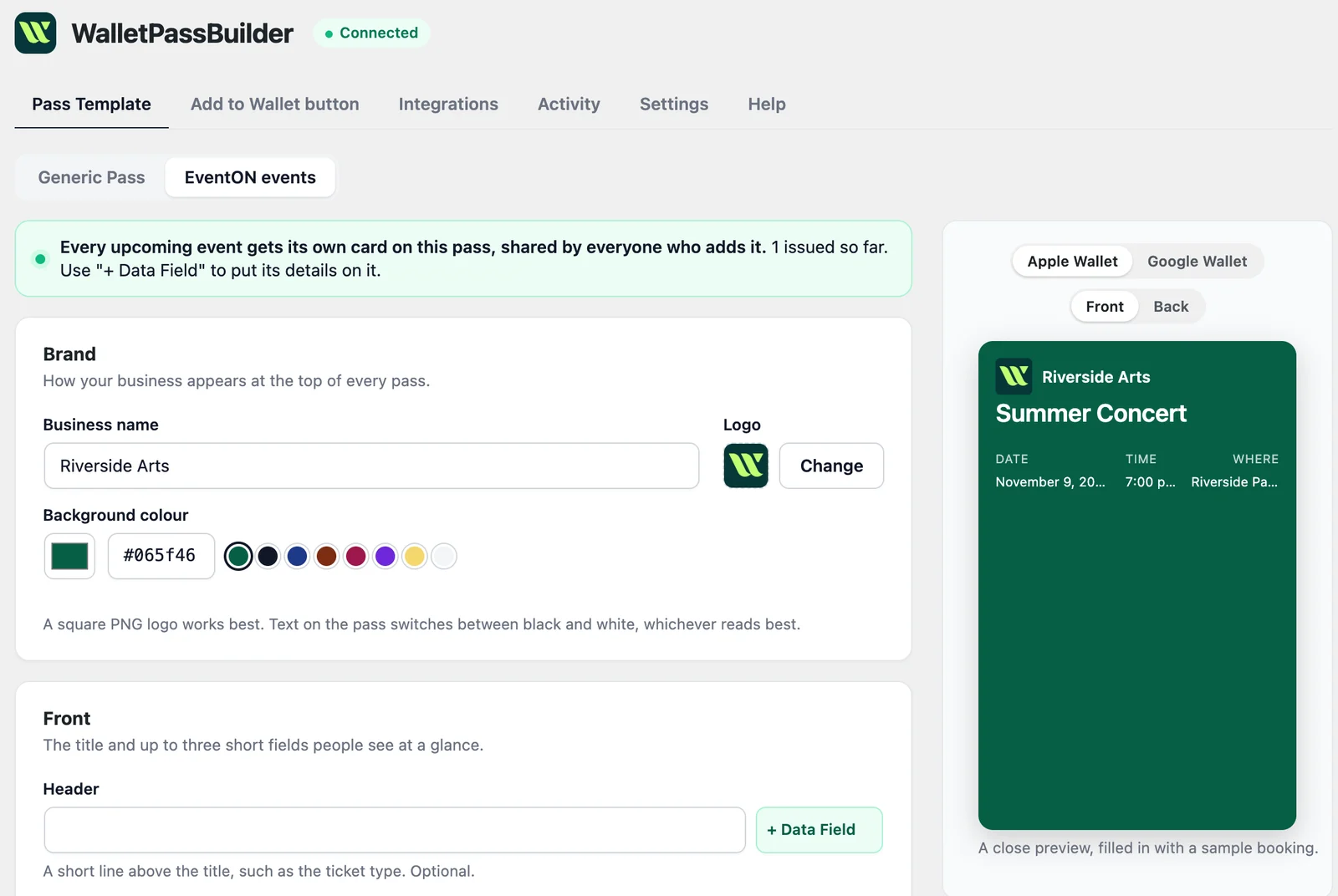
On the Pass Template tab, choose EventON events and make it yours.
Turn on EventON
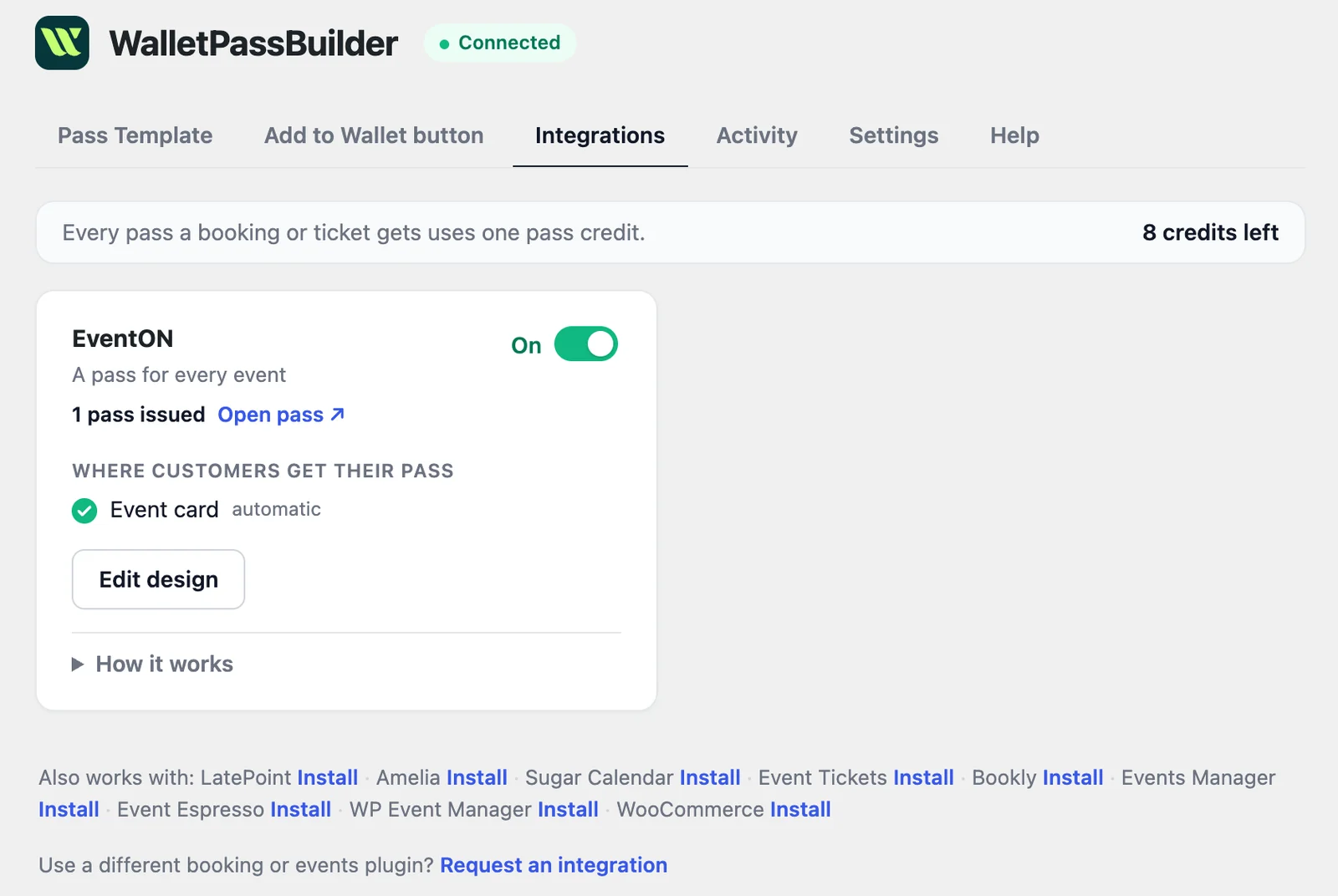
Switch it on under the Integrations tab. Upcoming events get their pass from then on.
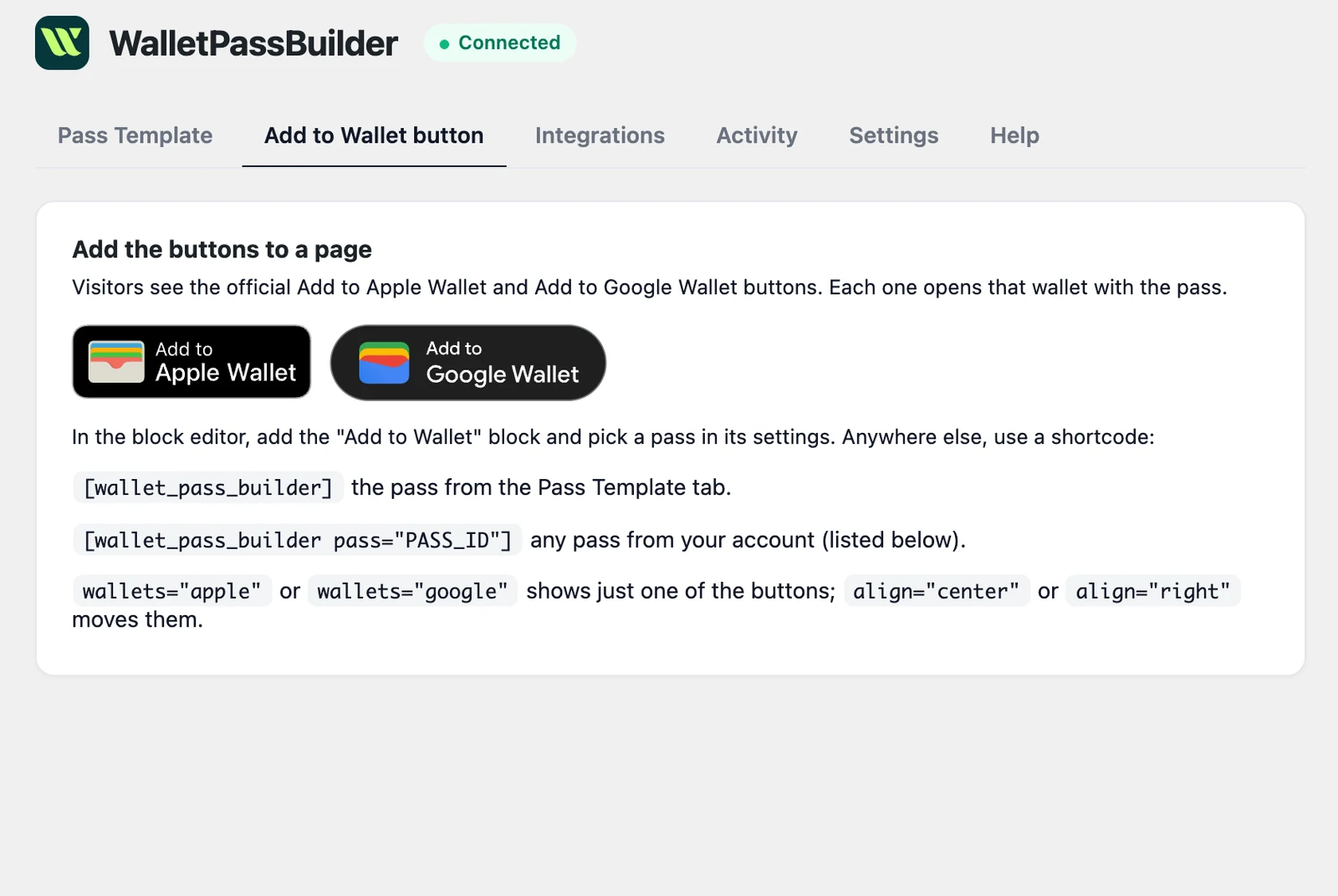
Want every detail? Read the WordPress setup guide
Add to Wallet
Where visitors save an EventON event
Once the integration is on, an Add to your phone box appears on EventON's event card with the official Add to Apple Wallet and Add to Google Wallet buttons.
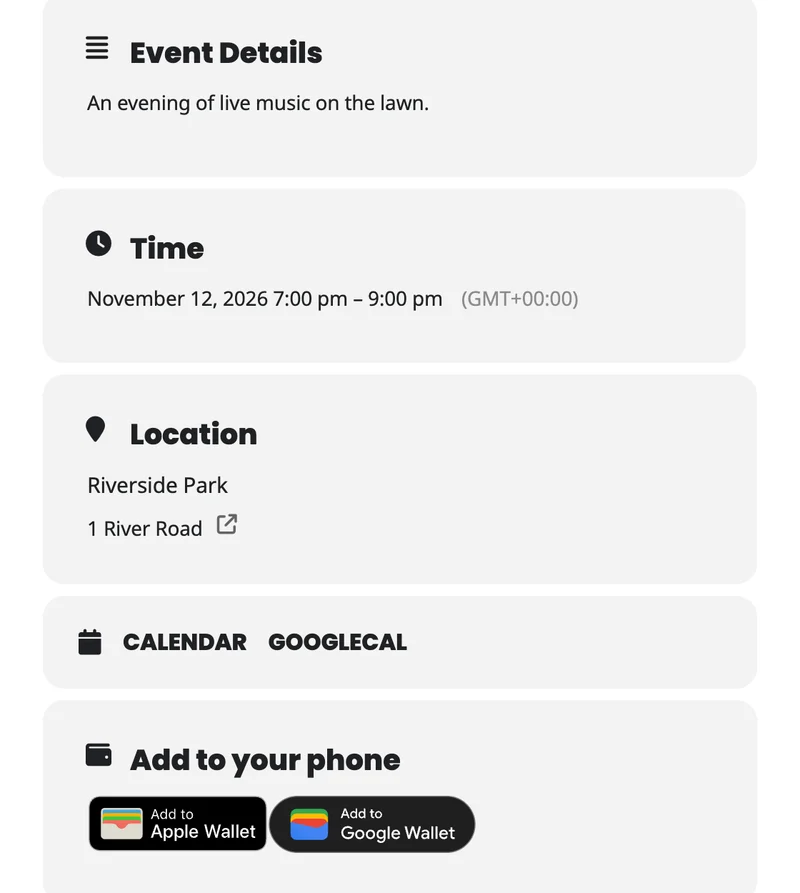
The event card
An Add to your phone box sits with the event's other details, on the calendar and on the event's own page.
If you arranged the card yourself
A saved card layout doesn't get new boxes by itself. Add it under EventON > Settings > EventCard.
On the pass
Every EventON event's details, on your visitors' phones
Lite has events but no attendees, so a pass is about the event rather than a person. It has no name and no code to scan, and the back holds the address, organizer and a link to the event page.
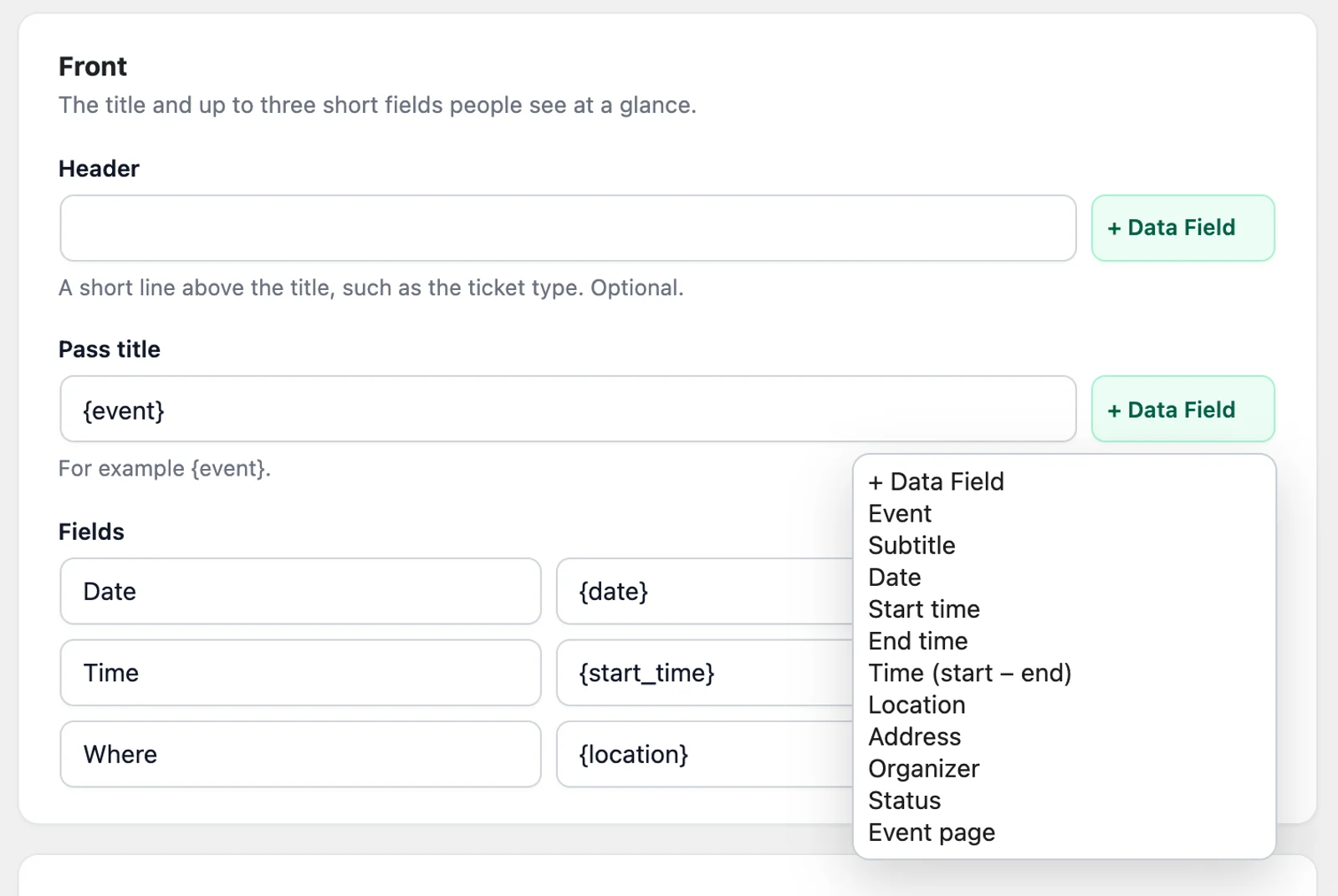
- Event
- Subtitle
- Date
- Start time
- End time
- Time (start to end)
- Location
- Address
- Organizer
- Status
- Event page
Summer Concert
Date
Nov 12
Time
7 PM
Where
Riverside
Summer Concert
Date
Nov 12
Time
7 PM
Where
Riverside
Stays up to date
When an EventON event changes, so does the pass
Published
A new event gets its pass when you publish it, and upcoming events get theirs when you turn the integration on.
Edited
Change the time or place and the pass updates on every phone that saved it.
Cancelled or postponed
The status follows the event: Cancelled, Postponed, Rescheduled or Moved online.
Repeating
When a date passes, the pass moves on to the next one. The plugin checks every 15 minutes.
Compared
EventON wallet pass or calendar link?
EventON already has calendar links on the event card. A wallet pass sits right beside them, and visitors can use both.
| Calendar invite | Wallet pass | |
|---|---|---|
| Updates when the event changes | No, a saved event stays as it was | Yes, on every phone that saved it |
| Follows a repeating event | Only as a calendar series | Yes, to the next date |
| Shows in the visitor's schedule | Yes | No |
| Lock-screen reminder | Yes, from their calendar app | Optional, at the start time |
| Reminder near the venue | No | Optional |
Who it's for
Who EventON wallet passes are for
Venues with a calendar
Let visitors keep your next concert or show on their phone, with no booking involved.
Wallet passes for eventsWeekly and monthly events
One pass follows a repeating event, so regulars always see the next date.
Free public events
Nobody has to sign up, and you pay one credit per event rather than per person.
Schools and clubs
Share term dates and meetings, and tell everyone at once when one moves.
Wallet passes for schoolsEventON questions
- Do my customers need to install an app?
- No. The pass opens in Apple Wallet or Google Wallet, which they already have on their phone. On a computer, the button opens a page with a QR code to scan with their phone.
- Does each visitor get their own pass?
- No. Each event has one pass that everyone shares, because EventON Lite has no attendees. It's a saved event, not a ticket, so it has no code to scan.
- How many credits does it use?
- One pass credit per event, however many people add it. The plugin itself is free, and new accounts get free pass credits to start.
- Why don't I see the box on my event card?
- If you've arranged the event card yourself, EventON keeps your layout. Add the box under EventON > Settings > EventCard, and the plugin's Integrations tab reminds you.
- Do repeating events need a new pass each time?
- No. The pass moves on to the next date that hasn't ended.
- Does the plugin send anything about my visitors?
- No. Only the event's details are sent, and nothing about the people who add the pass.
- What if an event doesn't get a pass?
- Check that EventON is turned on under the plugin's Integrations tab, then look in Activity. A failed entry says why, and Retry sends it again. The plugin also checks every 15 minutes for anything that failed.
Use another plugin? See everything the WordPress plugin works with
Be on the lock screen in a few minutes.
Your first pass is quick to make. Pick a template, add your logo, and share the link.